BuildDaily

Company Control

Set the company up once, then give each person the access their job actually requires.

BuildDaily includes company onboarding, user invitations, role templates, granular module and action permissions, operational defaults, notification preferences, and module-specific settings. It is the control room behind the day-to-day app.

Administration

Company rules without turning every manager into a system administrator

Invite people and shape their working access

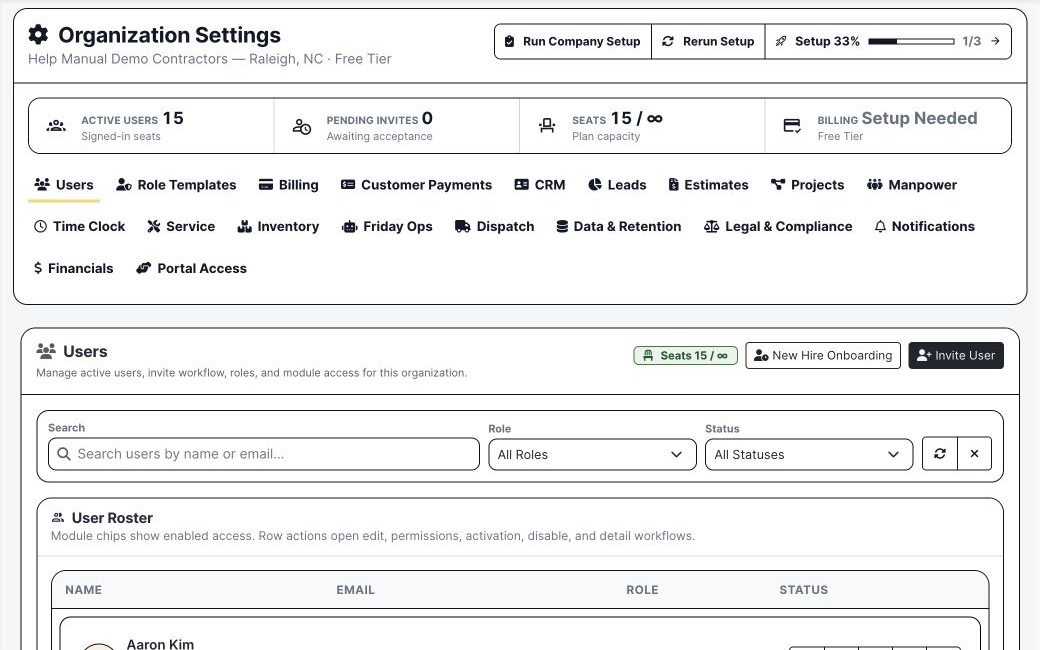
User management keeps account status, company authority, module access, functional roles, and invite state visible in one roster.

  • Separate company authority from ordinary working access
  • Grant view, create, delete, and action-level permissions
  • Disable or restore users without losing their company history
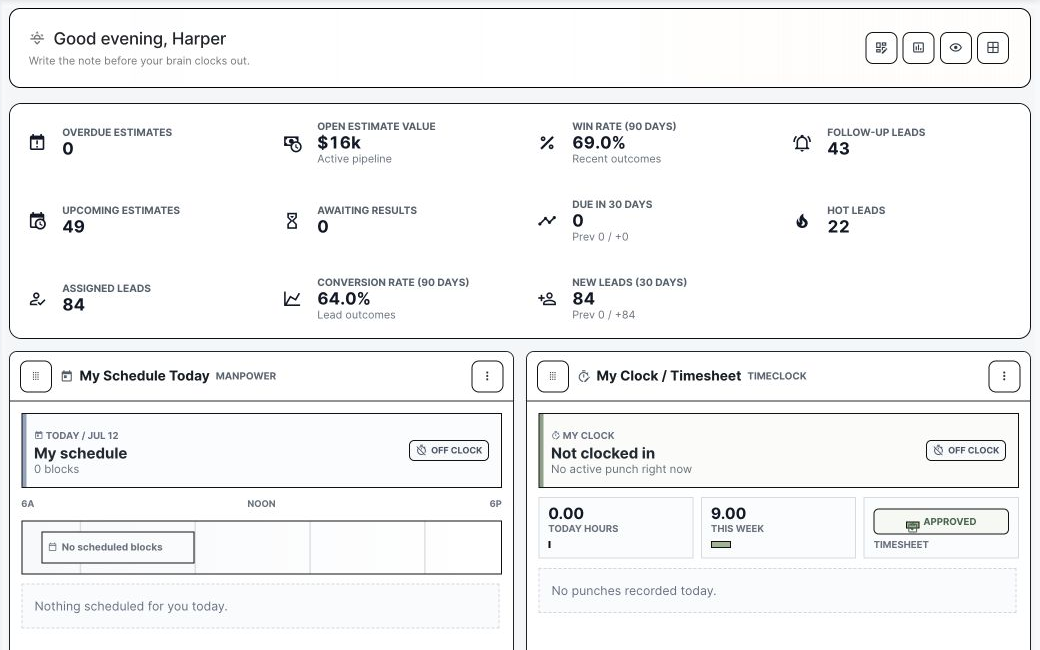
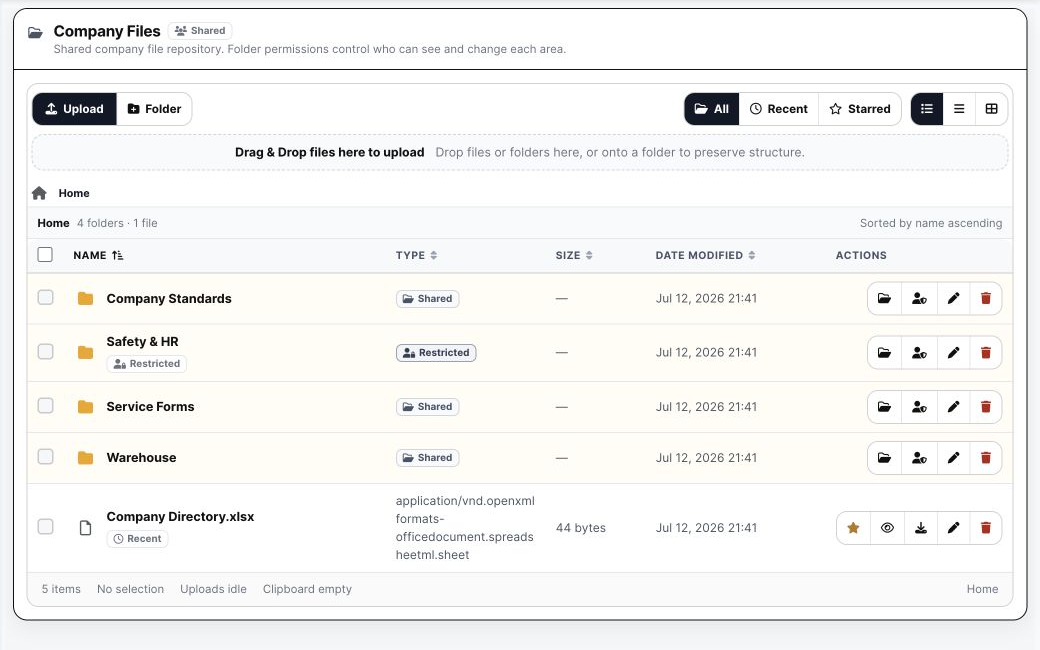
BuildDaily configured company workspace
The configured workspace reflects the modules and work each company actually uses.

Reuse permission patterns instead of rebuilding every employee

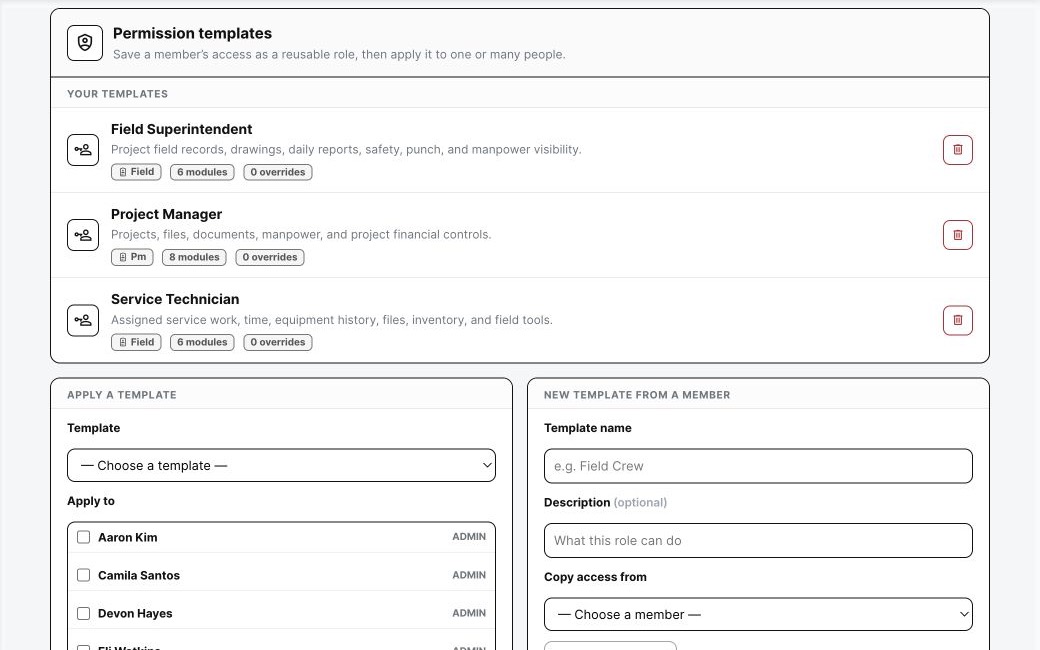
Role Templates can snapshot one member's module tiers and action overrides, then apply that pattern to one or many people.

  • Create a template from a real member
  • Apply the same access to a selected group
  • Keep exceptions explicit when a person needs more or less
BuildDaily company-controlled workspace
Company resources and operating access stay deliberate rather than globally exposed.

Configure the modules around the way the contractor works

CRM types, lead settings, estimate folders and crew roles, project defaults, service rates, dispatch rules, timeclock categories, document settings, notifications, and more live under the company settings shell.

  • Use module defaults to reduce repeated setup
  • Keep owner/admin controls separate from normal work
  • Rerun onboarding when the company expands into another workflow
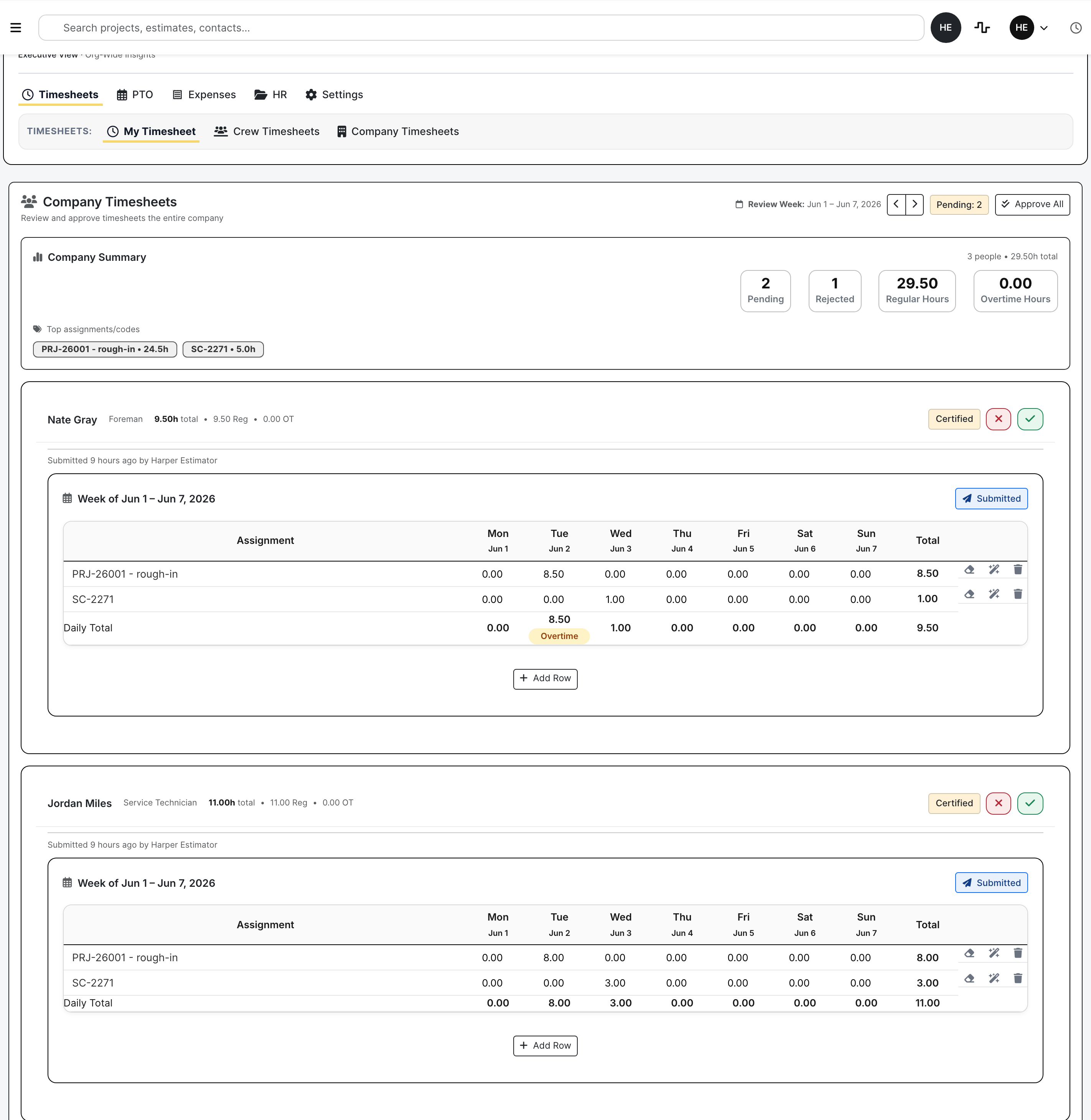
Configured company time workflow
Operational settings feed the real review surfaces employees and managers use.

Detailed Module Documentation

What is actually inside this module

Use this as the product-review checklist. Each item names a working surface or operational responsibility to inspect during a demo.

People and access

Control who can enter the company and which work they can perform.

Invites and onboarding Invite users, track activation, collect required setup, and preserve membership history.
Company authority Separate Owner/Admin authority from ordinary operational role labels.
Module tiers Set hidden, view-only, create, and administrative access by module.
Action overrides Grant or deny specific registered actions when a tier is not precise enough.

Reusable roles

Apply real access patterns consistently.

Permission templates Snapshot a member's module tiers, action overrides, and functional role tags.
Bulk application Apply a template to one or many selected memberships.
Replace semantics Make the selected members match the chosen template instead of layering ambiguous access.
Last-owner protection Prevent the final owner from being accidentally demoted or removed.

Module configuration

Set defaults close to the workflow they affect.

CRM and lead choices Configure company types, tags, divisions, sources, defaults, and duplicate rules.
Estimate and project defaults Configure folders, crew roles, document standards, project workflows, and controls.
Service and workforce settings Configure labor classes, rates, dispatch, time, expense, notification, and other policies.
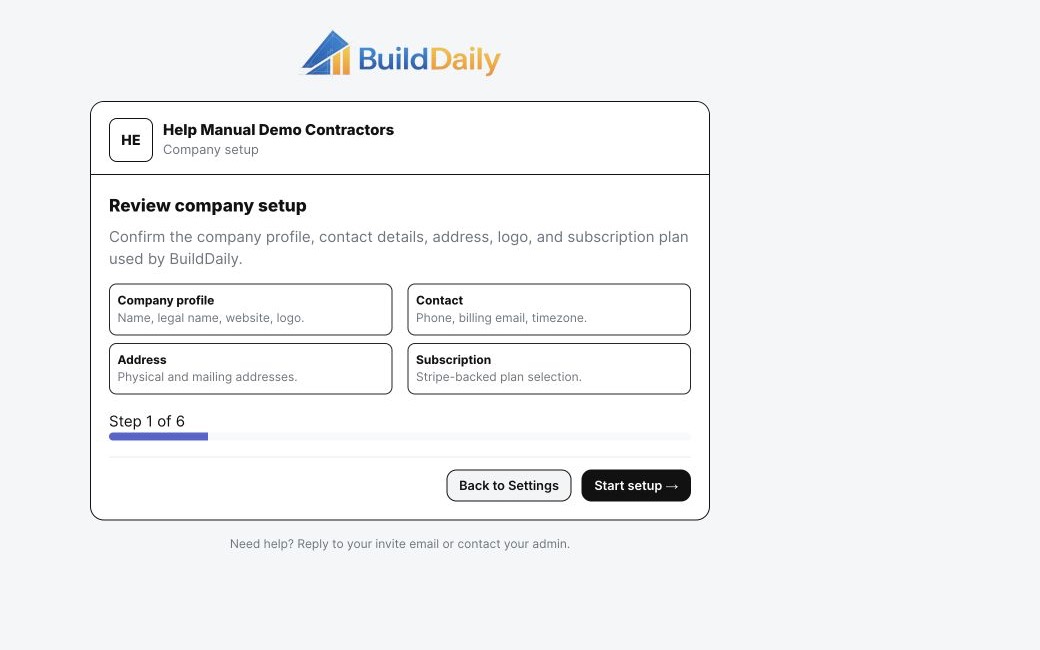
Company setup Run or rerun guided setup as the company enables more workflows.

Product Proof

Screens tied to the workflow

BuildDaily organization settings with users and module configuration
Organization Settings exposes company setup, users, billing, and module-specific controls.
BuildDaily permission templates
Reusable Project Manager, Field Superintendent, and Service Technician access patterns.
BuildDaily company onboarding
Guided company setup covers profile, contact, address, subscription, and module configuration.

Coverage

Contractor requirements BuildDaily covers

Contractor needs BuildDaily does it
Can a user see only the modules they need? Yes
Yes. Module tiers and granular actions are resolved per organization membership.
Can we reuse a field or PM access pattern? Yes
Role Templates copy a real member's module and action access to selected users.
Can defaults match our company workflow? Yes
Each operating module exposes its own configurable defaults, choices, folders, policies, or categories where appropriate.

Tell us who does what in your company.

We will show the modules, access tiers, and defaults that fit those jobs without burying you in enterprise administration.

Map Your Company Setup