| Which parts can techs reuse on tickets? |
Yes
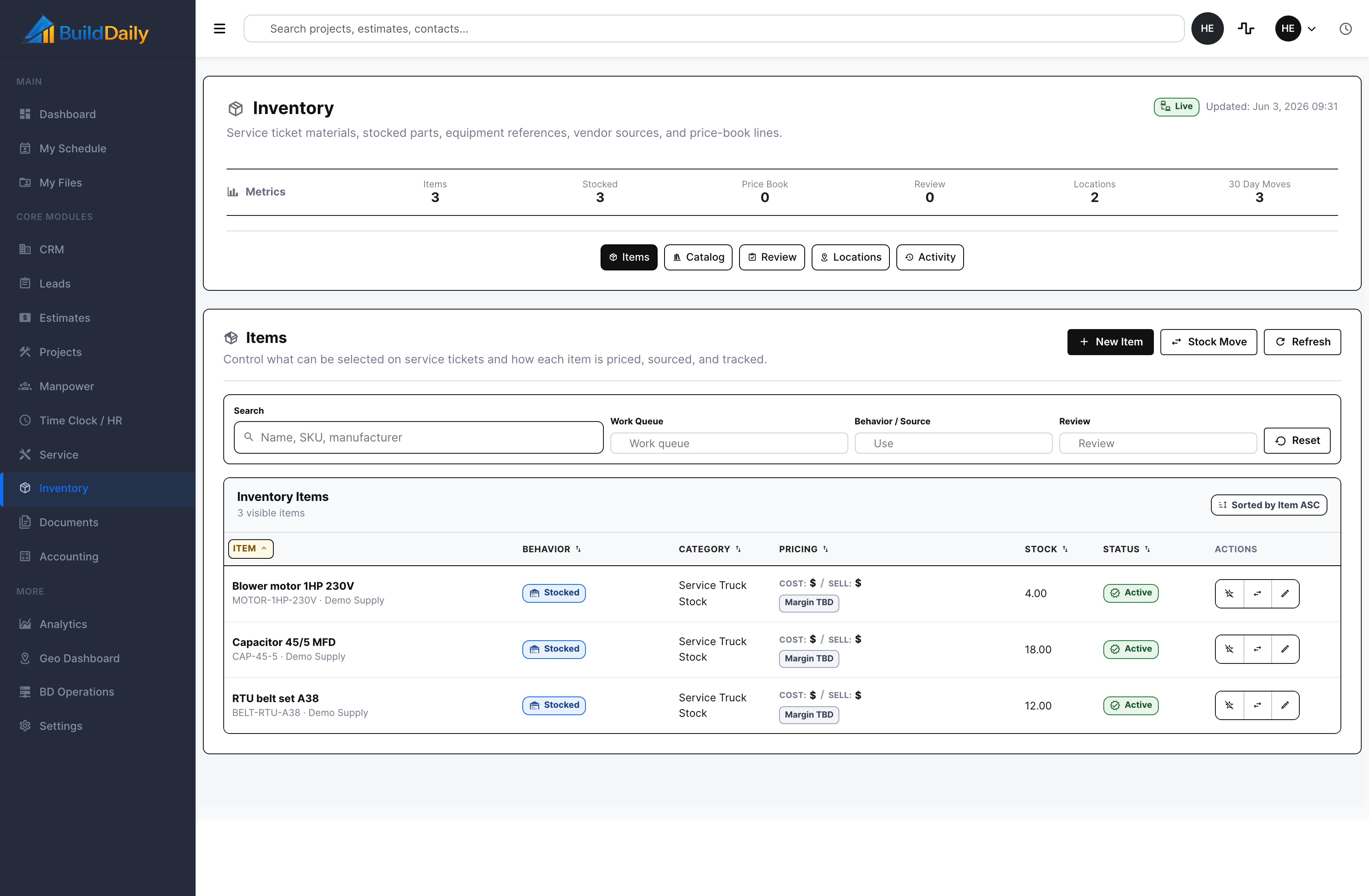
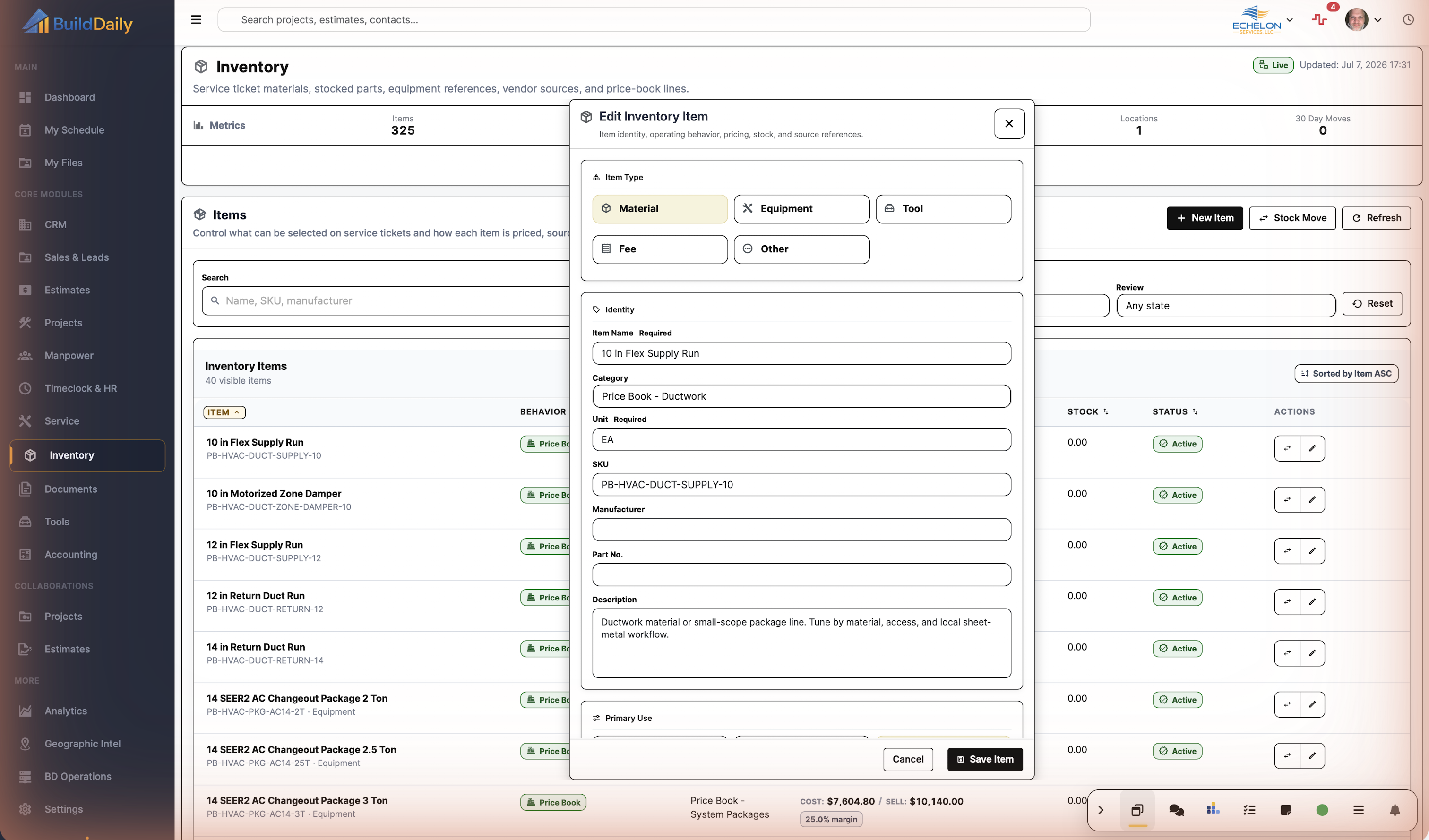
Items can be marked common, stocked, vendor-linked, equipment-related, price-book, active, inactive, or review-only so repeat material does not get recreated every time. |
| Can we search by real part information? |
Yes
Inventory item filters search name, SKU, manufacturer, behavior/source, review state, and work queues. |
| Can cost and sell assumptions stay with the item? |
Yes
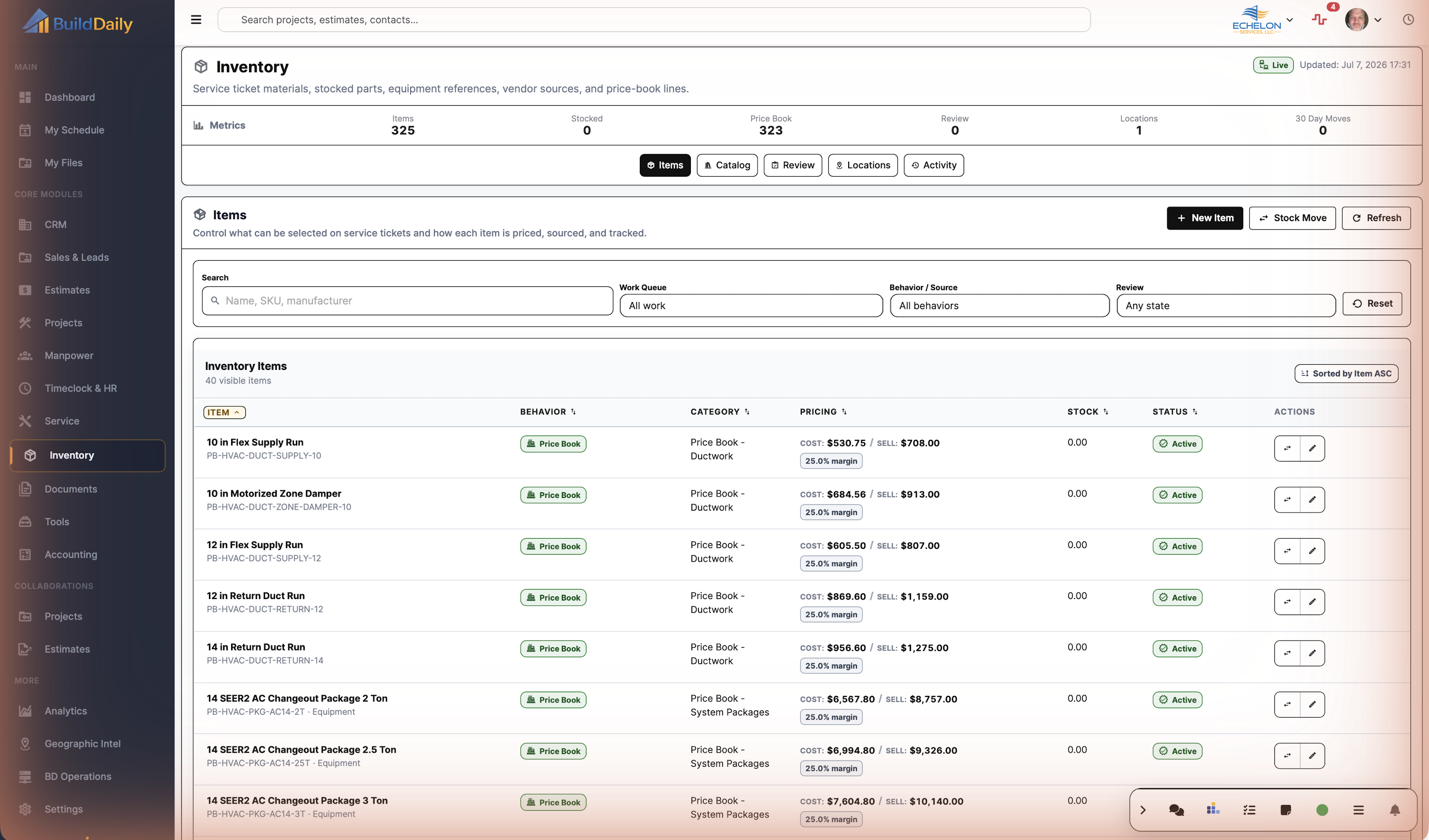
Item rows show cost, sell/list price, margin posture, pricing method, and price history so parts are not treated as plain descriptions. |
| Can price-book methodology live beside stock items? |
Yes
Inventory supports price-book items with cost-plus, list-discount, flexible, locked, last-sold, rolling-average, and agreement-controlled price profiles. |
| Can catalog rows stay hidden until they are needed? |
Yes
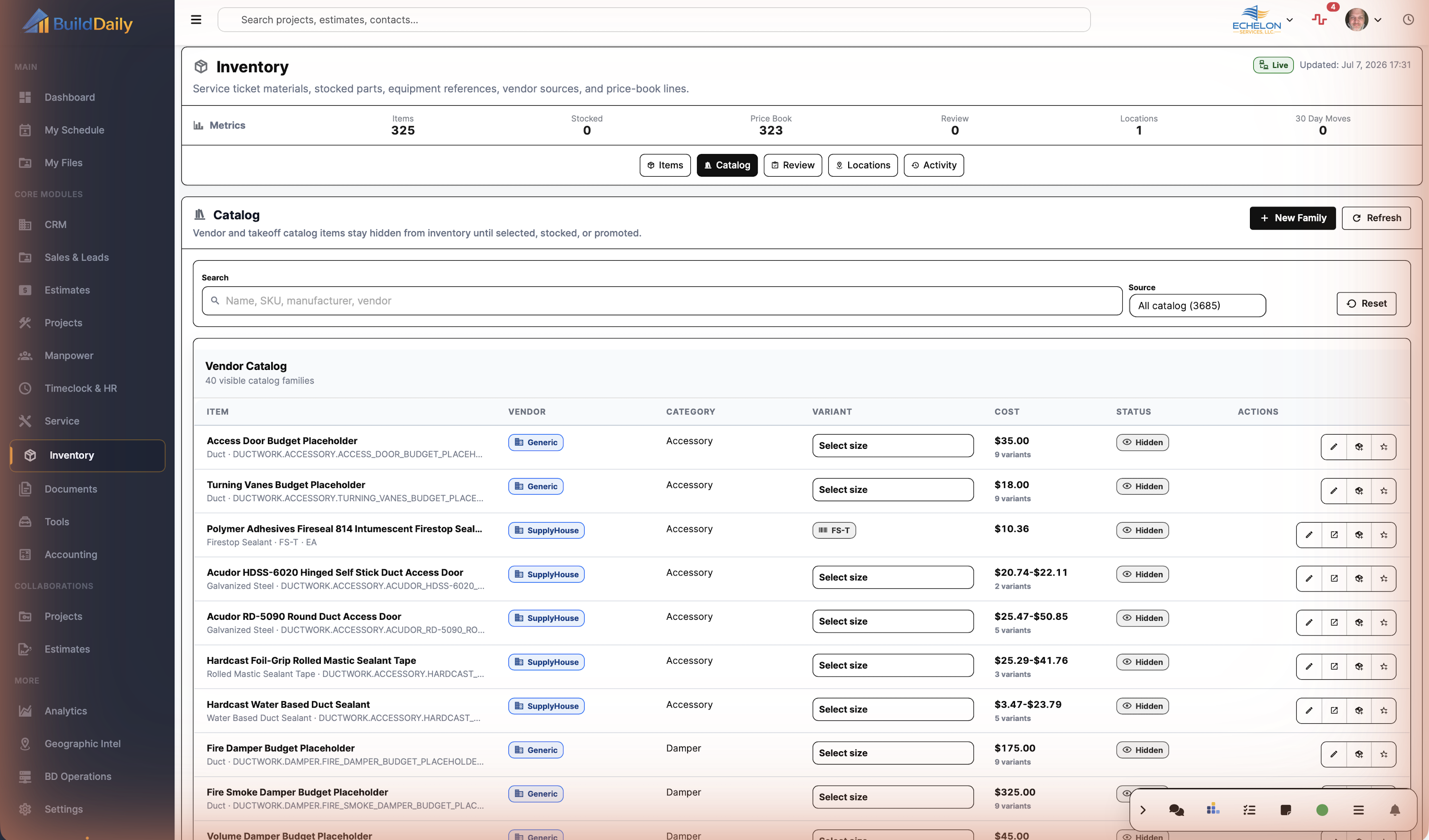
Catalog families can stay hidden, be materialized into inventory review, or be promoted into common item use after a size is selected. |
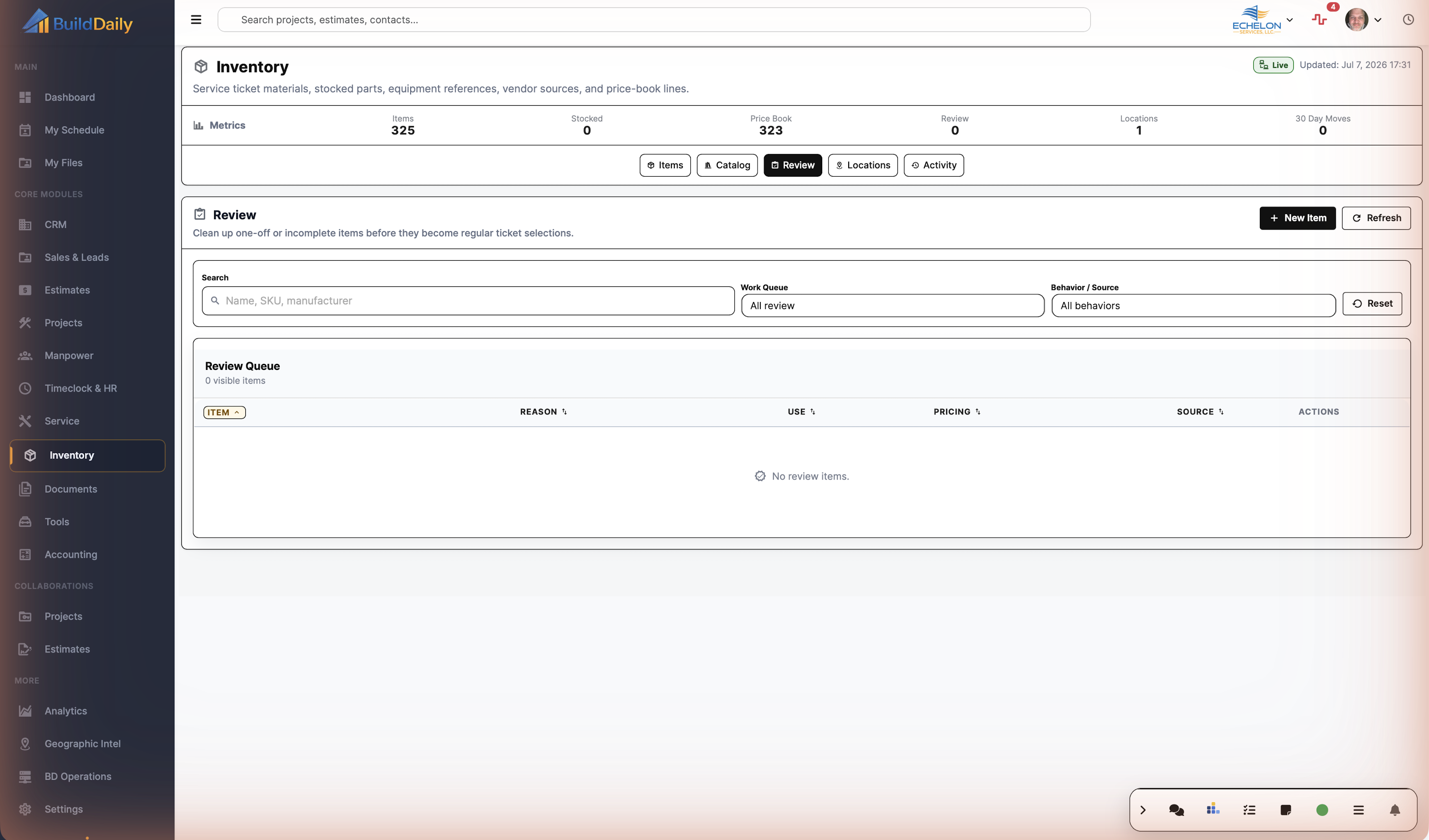
| Can bad one-off ticket material be cleaned up? |
Yes
Review rows show reason, source, behavior, pricing, and actions to edit, mark clean, or ignore rows before they clutter the pick list. |
| Can warehouse and truck stock be separated? |
Yes
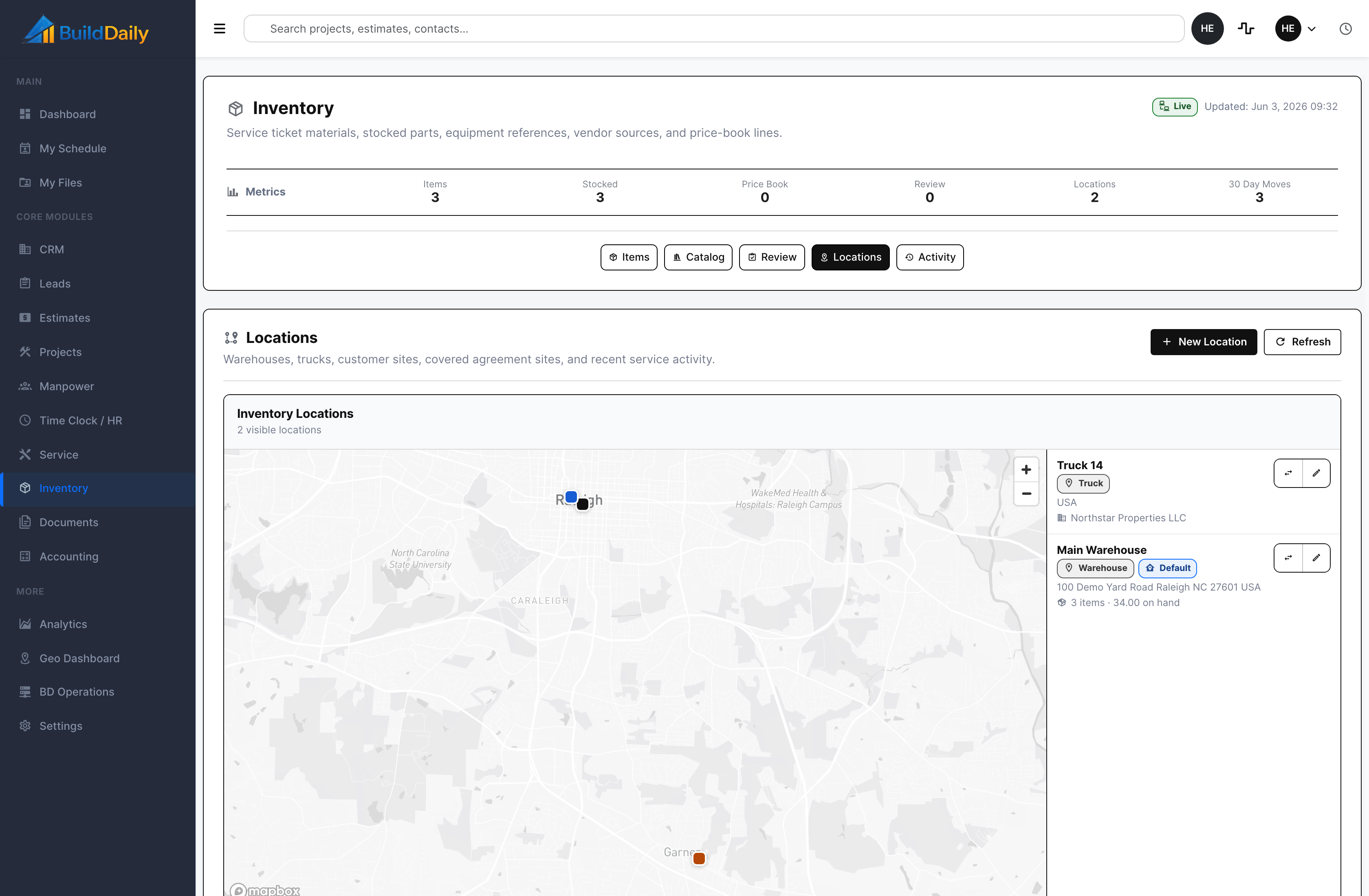
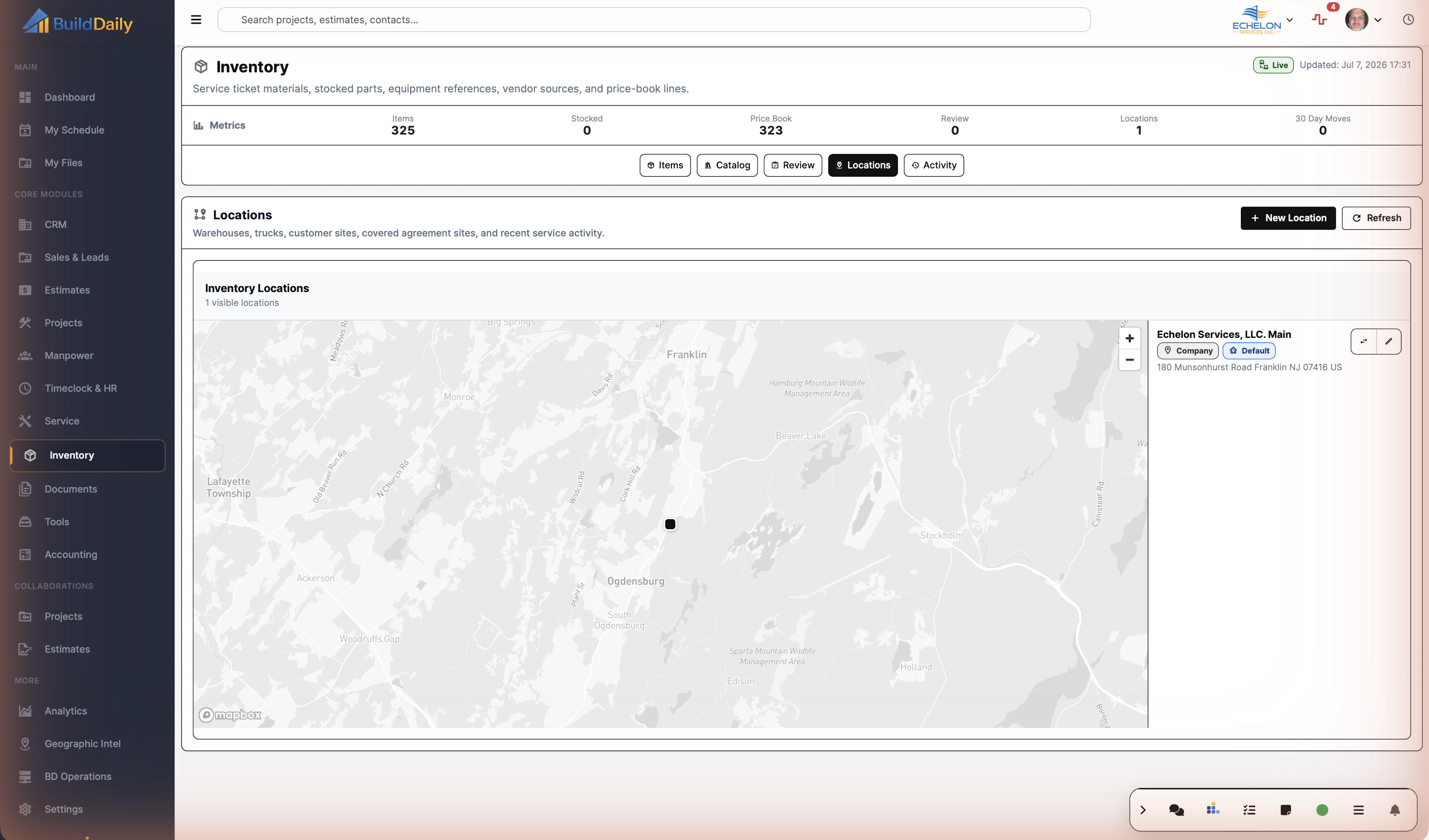
Locations support company, warehouse, truck, job site, customer, vendor, holding, and other stock points with default flags, address, map, company, and service-site links. |
| Can a stock move show from and to locations? |
Yes
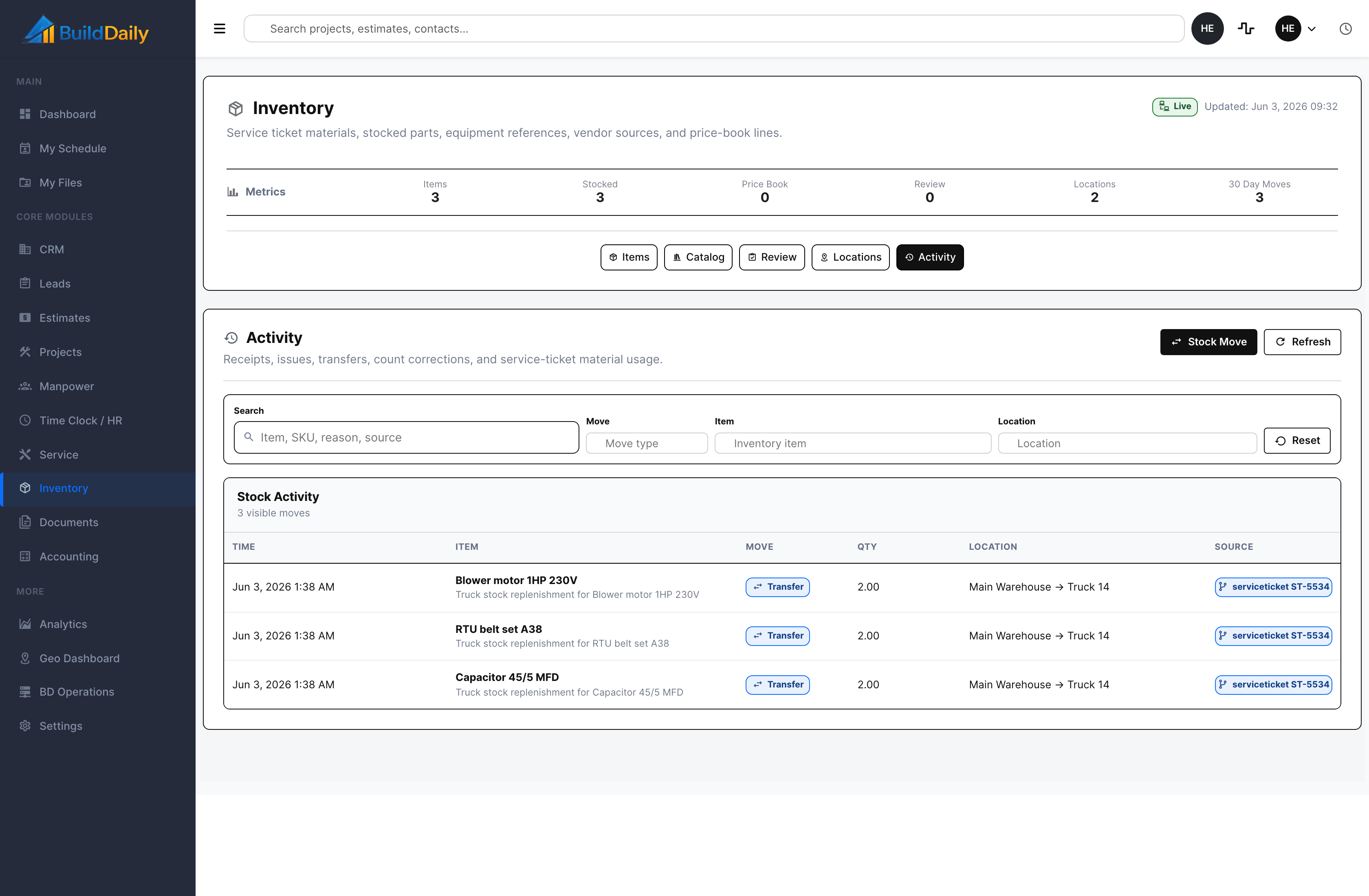
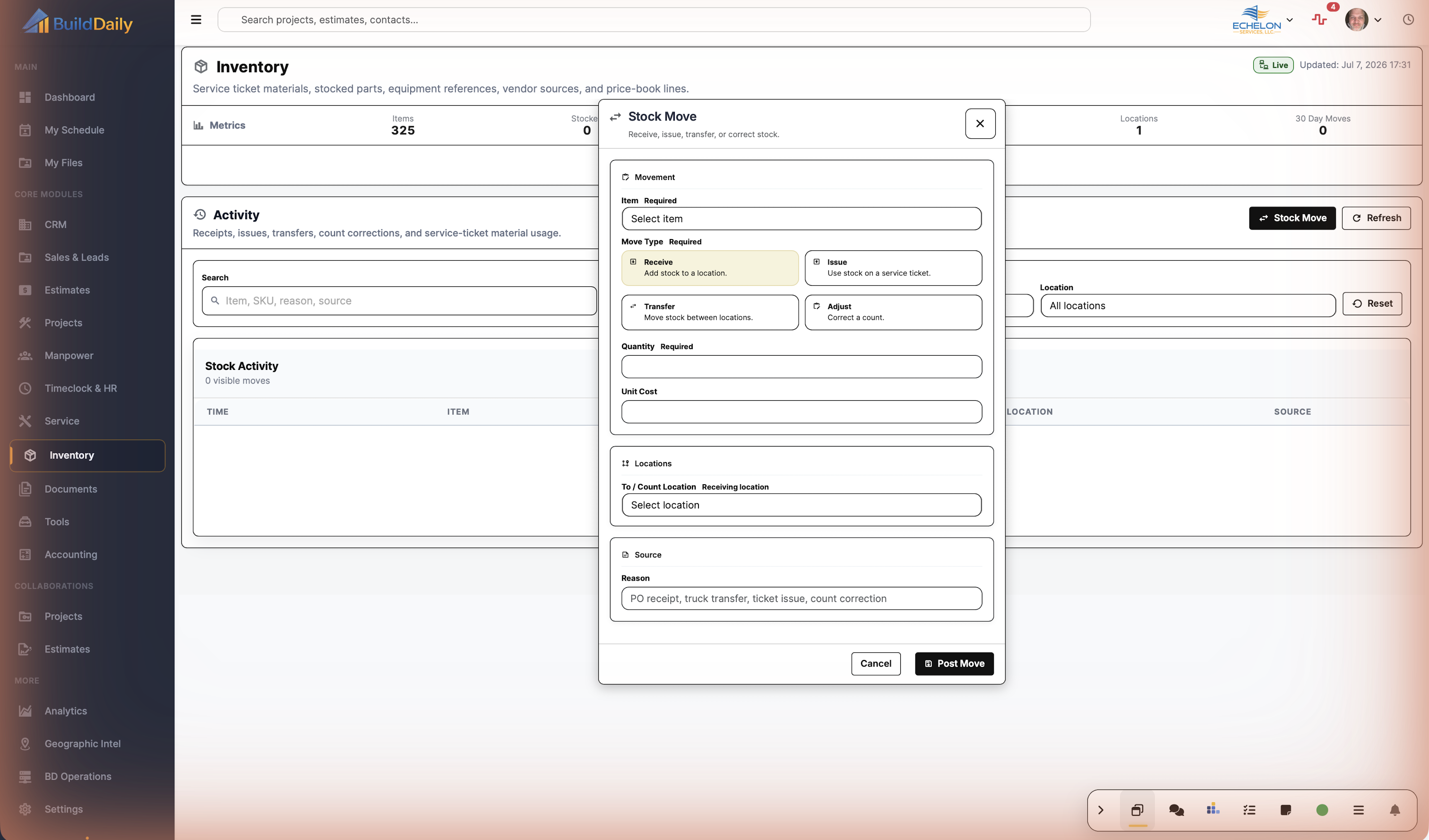
Movements record receipt, issue, transfer, adjustment, return, and scrap with quantity, from-location, to-location, unit cost, reason, actor, and source record. |
| Can service material usage tie back to the ticket? |
Yes
Service material lines can point back toward inventory items or consumed items, and movements can carry service-ticket source context. |
| Can operations review movement history later? |
Yes
Activity can be searched and filtered by item, move type, location, reason, source, and date-ordered movement rows. |
| Can stock exceptions be caught? |
Yes
Blocked movement and low-stock paths notify operations when a move would create a stock problem or when issue/adjust/scrap pressure needs attention. |