

How to Track Construction Change Orders
Most money lost on extras is lost before anyone prices them.
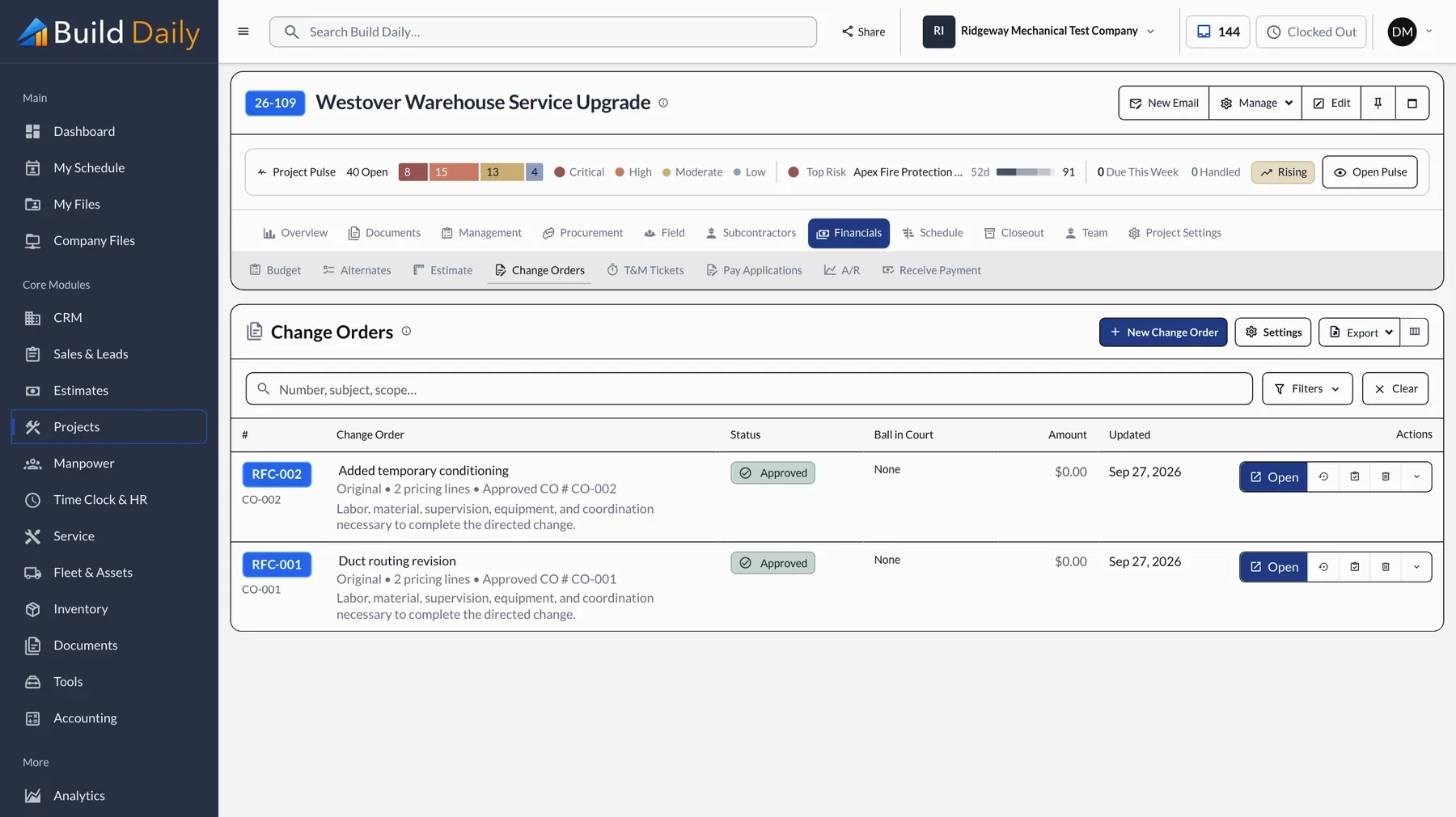
Contractors rarely lose money on extras because the price was wrong. They lose it when the work starts before anyone writes it down, when the price goes out and nobody follows up, or when an approved change never reaches a pay app. Each step below closes one of those gaps.
How an extra gets paid
- The Field Flags it with a photo
- Your PM Prices it with the backup attached
- The Owner Marks up disputed lines and signs
- The SOV Picks up the new line
- The Pay App Bills it next period
-
Document the Change the Day It Happens
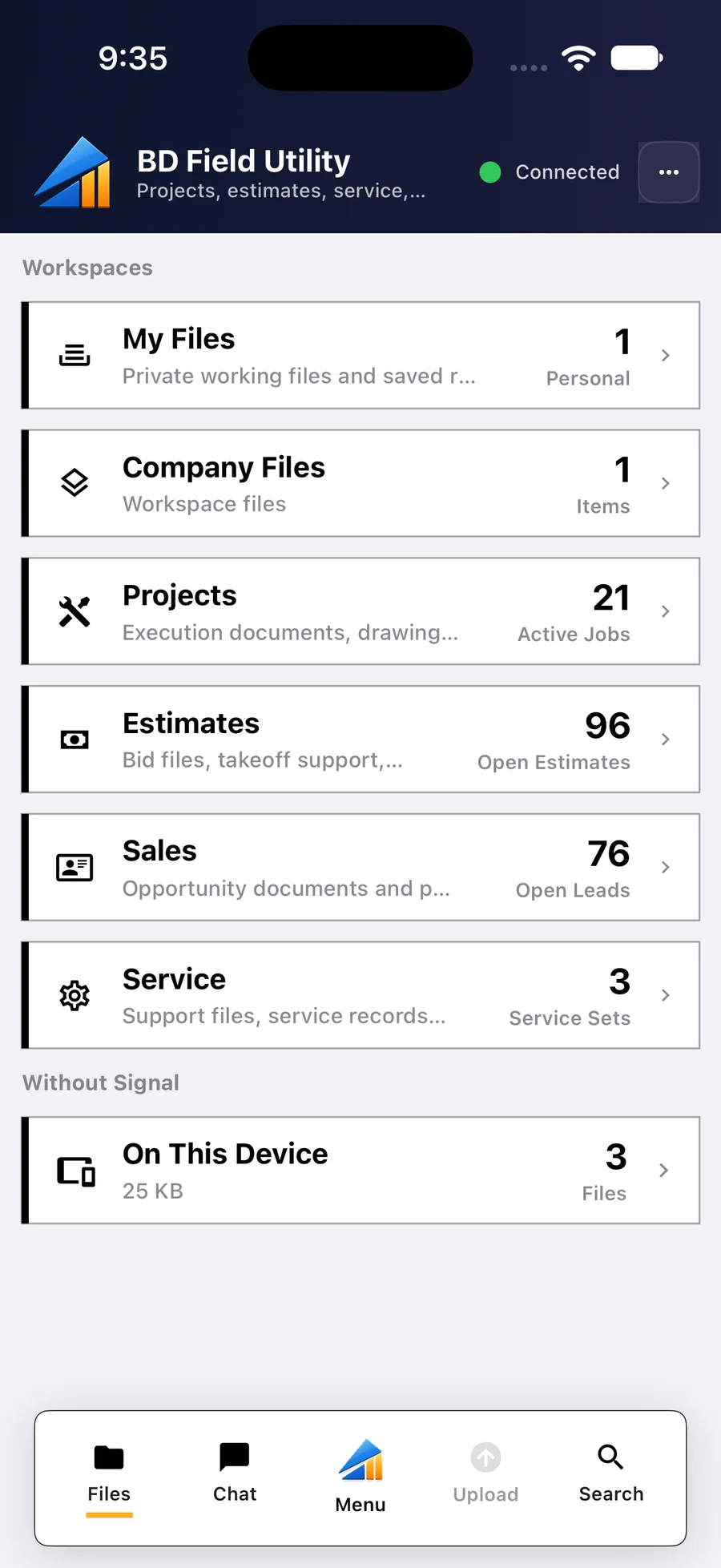
A change usually starts with someone on site telling your foreman to go ahead. Record it that day: who directed it, what they asked for, and a photo. In Build Daily the foreman logs it from a phone before leaving the site.
-
Use One Number From Start to Finish
Number the change when you open it and use that number on the pricing, the emails and the backup. The owner will assign their own number later, so track both. Build Daily numbers it for you and keeps the owner's number beside yours.
-
Show How You Got the Price
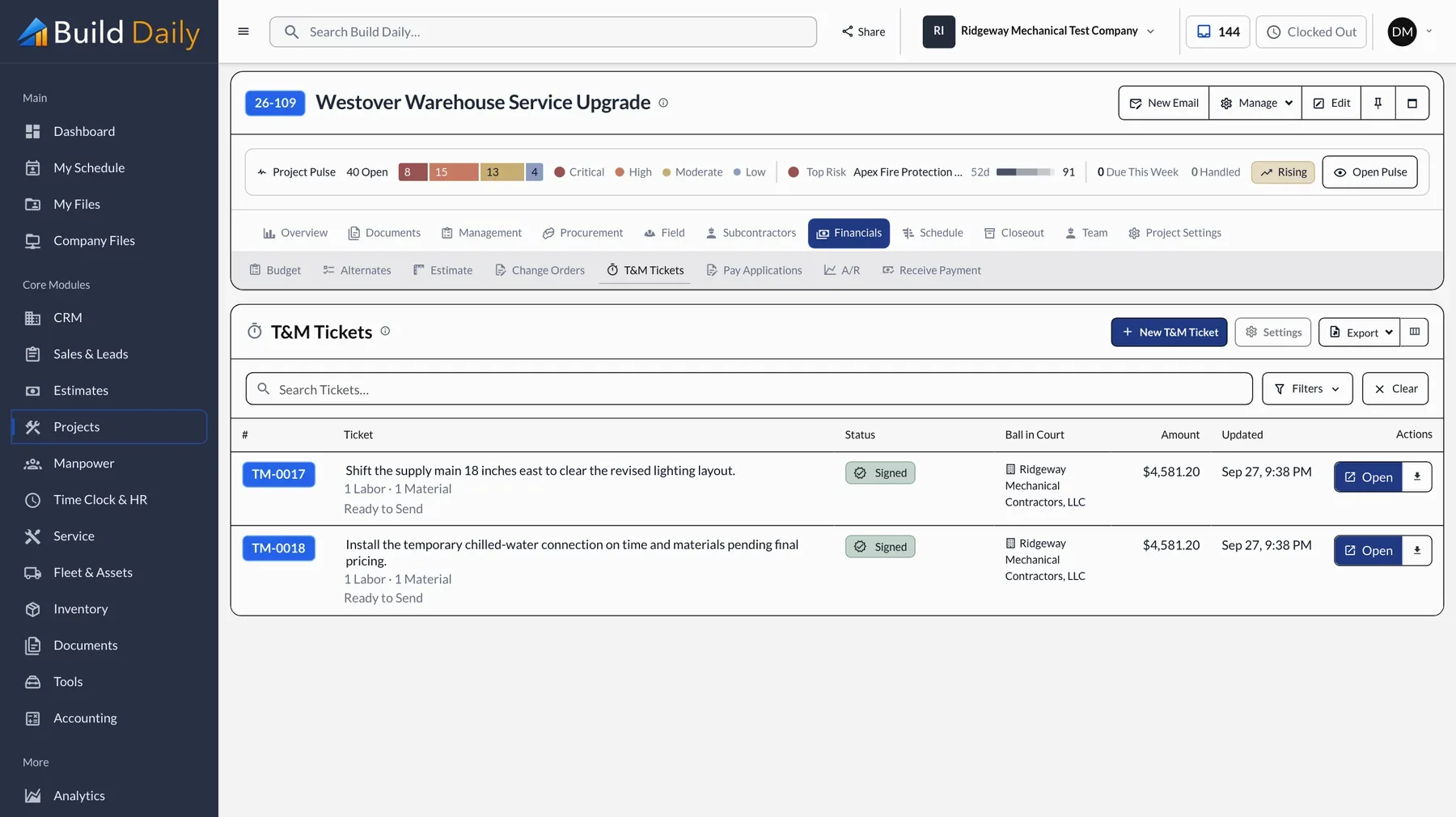
Owners push back on lump sums. Break the price into labor, material, equipment and subs, show the markup, and attach the signed ticket or vendor quote. A price the owner can follow gets approved faster.
-
Track Who Has It
A change order that has been out for three weeks is a collection problem in the making. The owner gets an email like this one, reviews and signs without creating an account, and you can see when they opened it.
What the owner gets
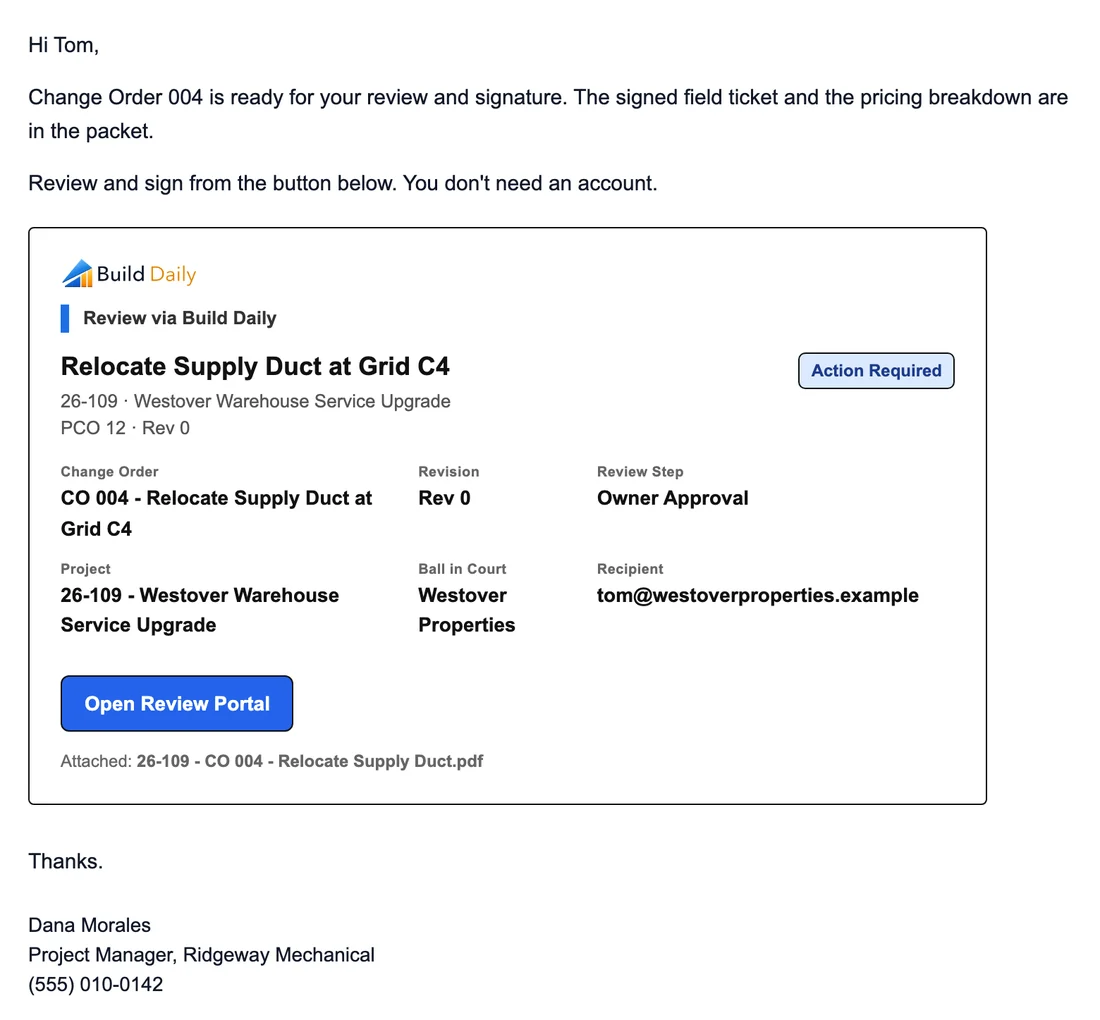
Where the button takes them
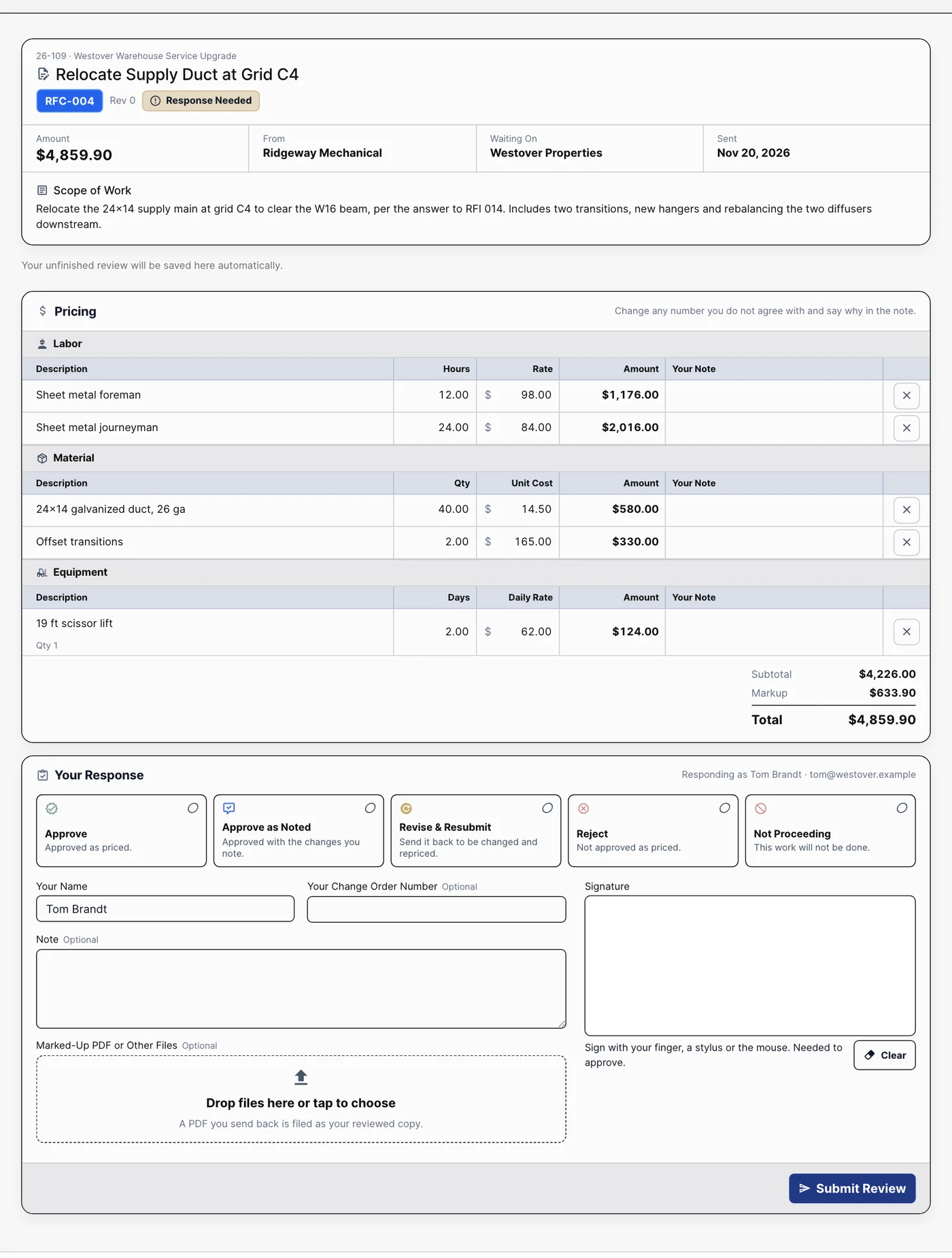
The owner's review page: the scope, every priced line, and the approval and signature.
-
Get It Onto the Pay App
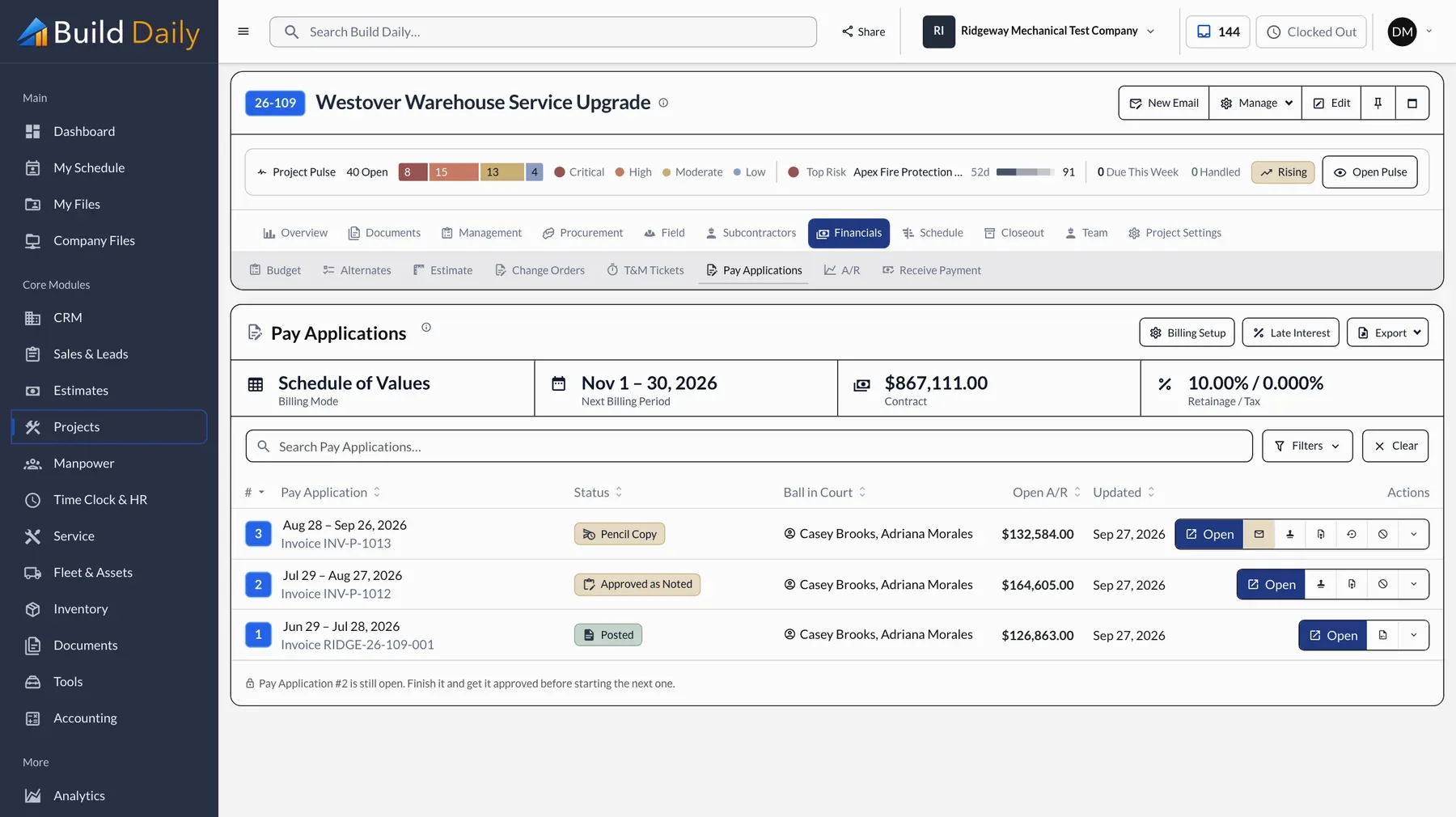
This is the step that gets missed. An approved change that never reaches the schedule of values is work done for free. In Build Daily, approved lines go onto the schedule of values and bill on the next pay app.
See it on your own work.
Plans run from $99 to $249 a month for the whole company.