

How to Organize Construction Project Files
Every job has a folder. Problems start when it has three.
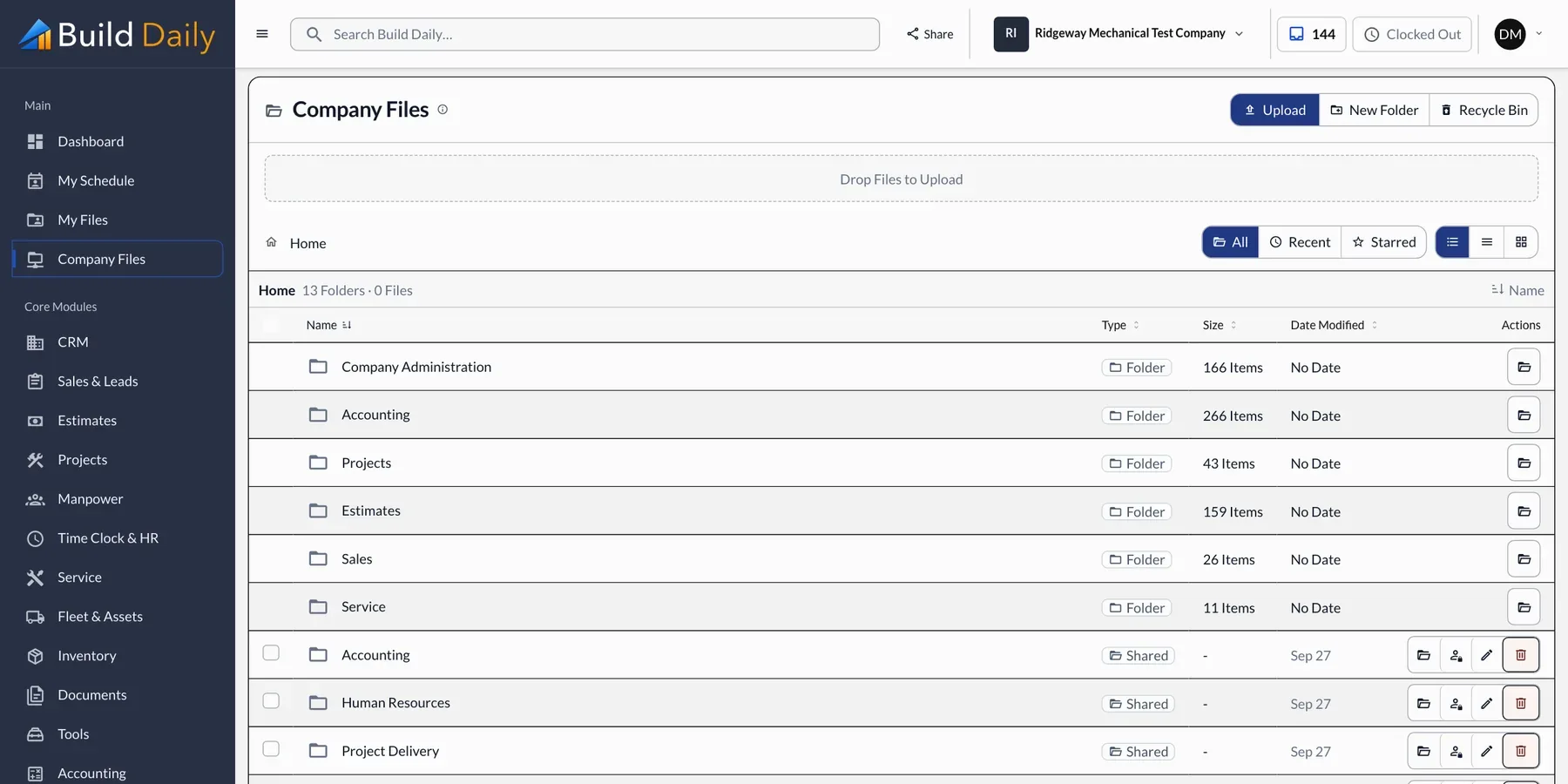
The costly mistakes come from using the wrong file, not a missing one. A foreman builds from a superseded sheet, or the office bills from last month's schedule of values.
How a file gets where it's needed
- Your Office Saves it to the job folder
- Build Daily Files it with the RFI or CO it belongs to
- The Field Opens it on the phone without signal
- Outside People Get a link that expires
-
Use the Same Folders on Every Job
Pick a folder structure and keep it on every job: drawings, specs, submittals, RFIs, change orders, photos and closeout. When every job is laid out the same, anyone can find anything. Every Build Daily job starts with the same folders.
-
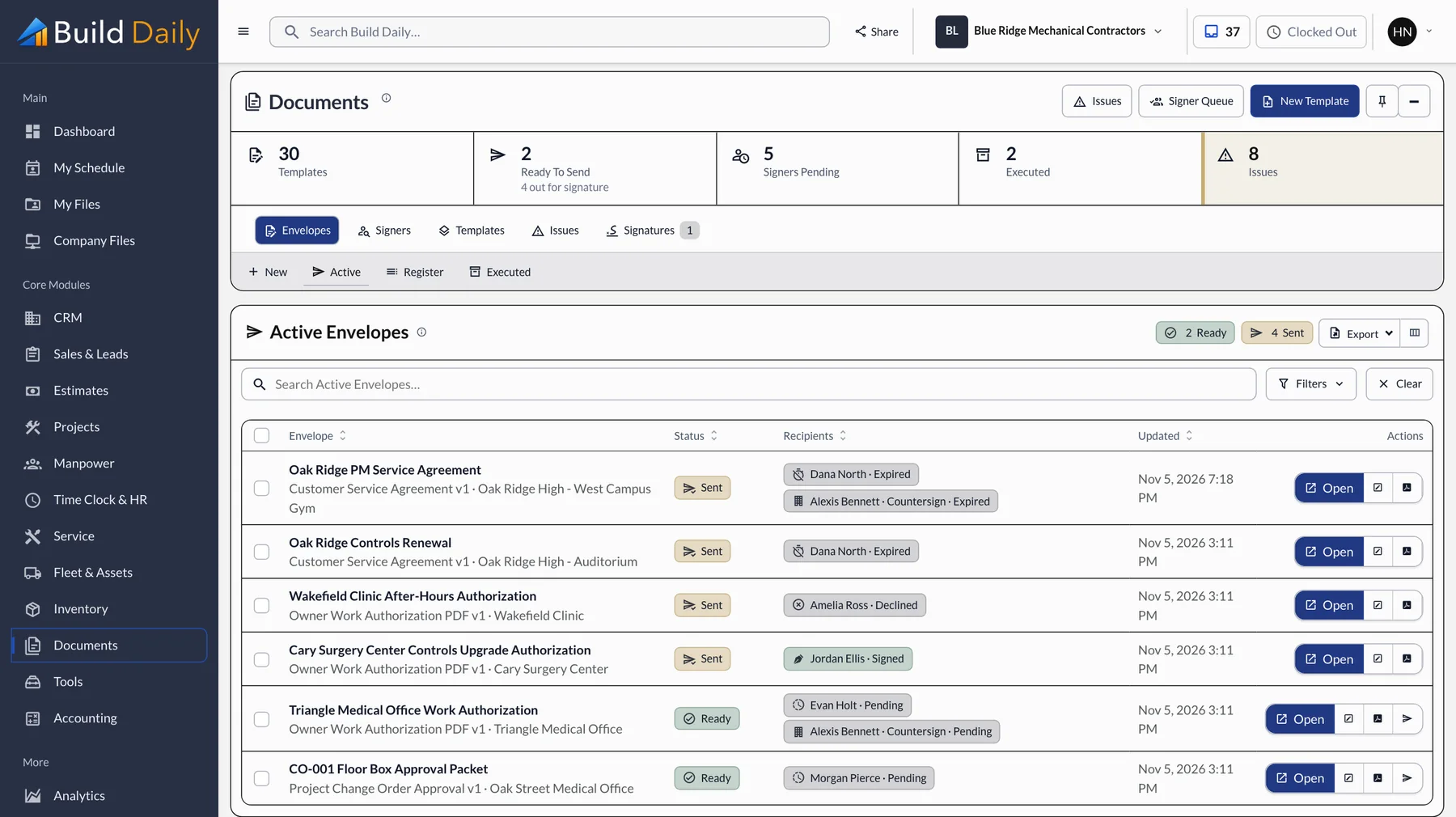
Name Files So You Can Find Them
Use the job number, what the document is, and a date or number. Scan0043.pdf helps no one. The RFIs, submittals and reports Build Daily generates are named and filed for you.
-
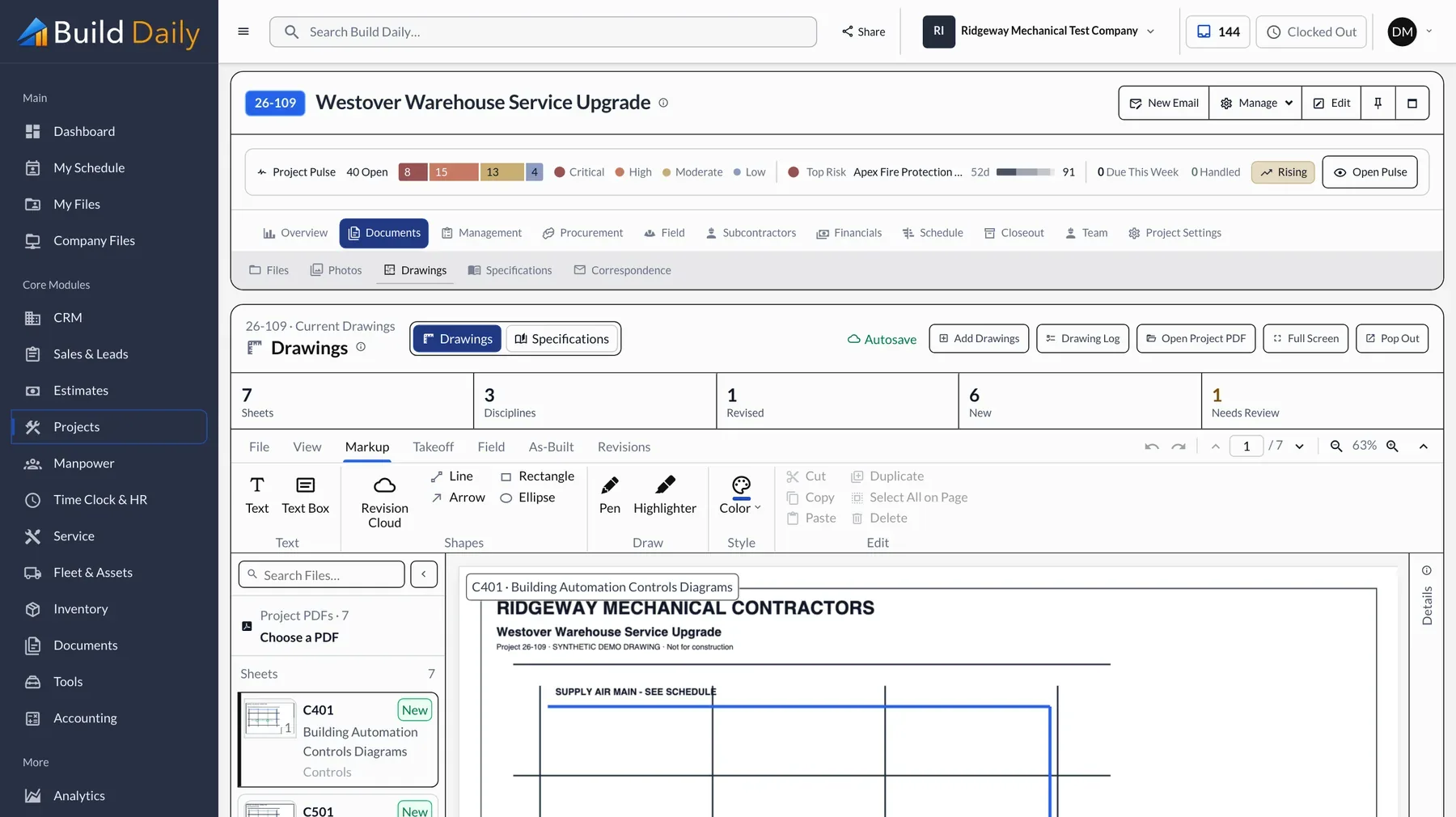
Keep One Current Drawing Set
When a revision comes in, the old sheet has to stop being the one people open. Upload the new set and the changed sheets are replaced. Earlier versions stay available for reference.
-
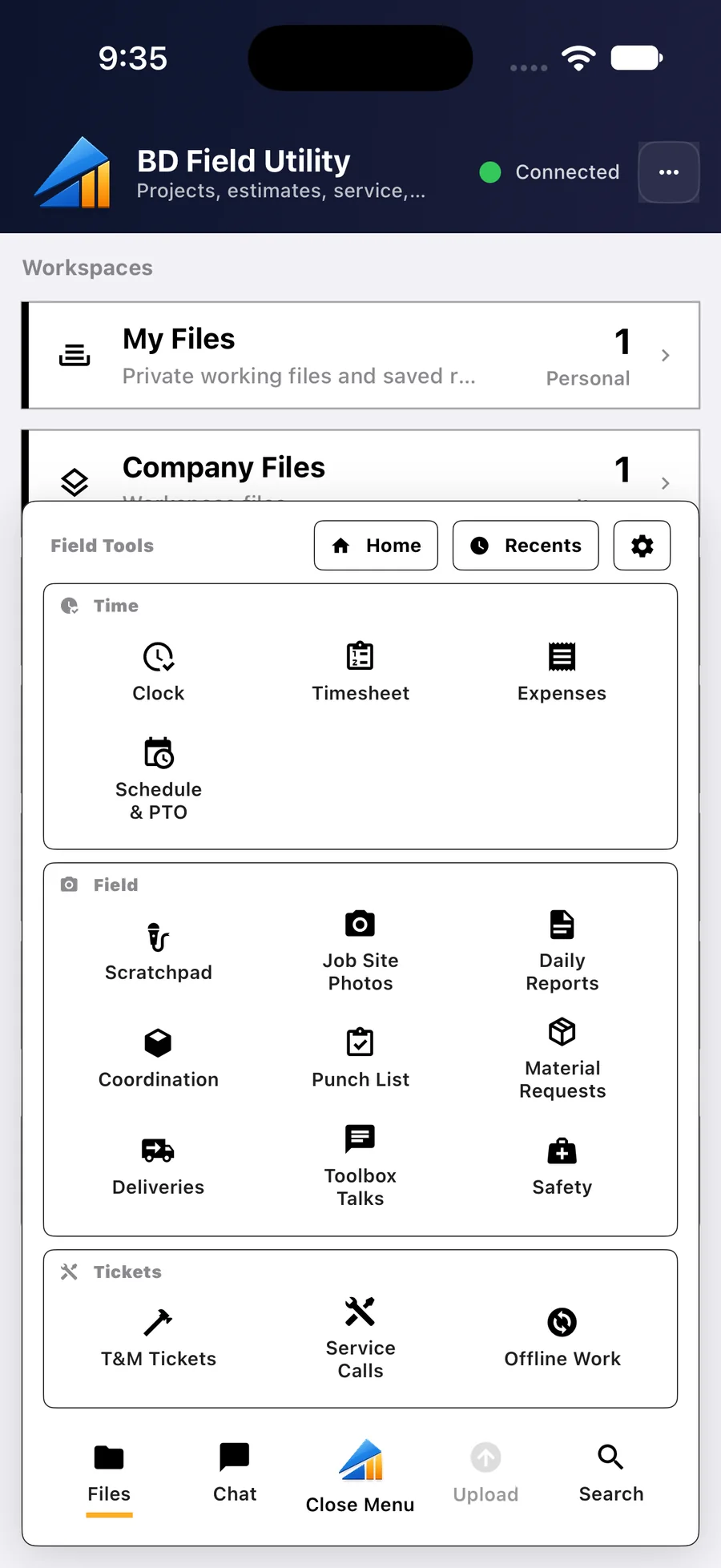
Make Files Available in the Field
If the field needs a laptop to see drawings, they'll use the paper set in the truck. Build Daily shows the job as a regular folder on your computer, and the phone app keeps the files available without signal.
-
Share Outside With Links
Emailed attachments create copies nobody can track. Send a link instead. It expires, and you can see when it was opened.
See it on your own work.
Plans run from $99 to $249 a month for the whole company.