

Superintendents and Foremen
Run the day from your phone, with or without signal.
Field records get done when they're quick and they work where you are. Build Daily runs on the phone you already carry, and every form saves without signal and sends when you're back in range.
-
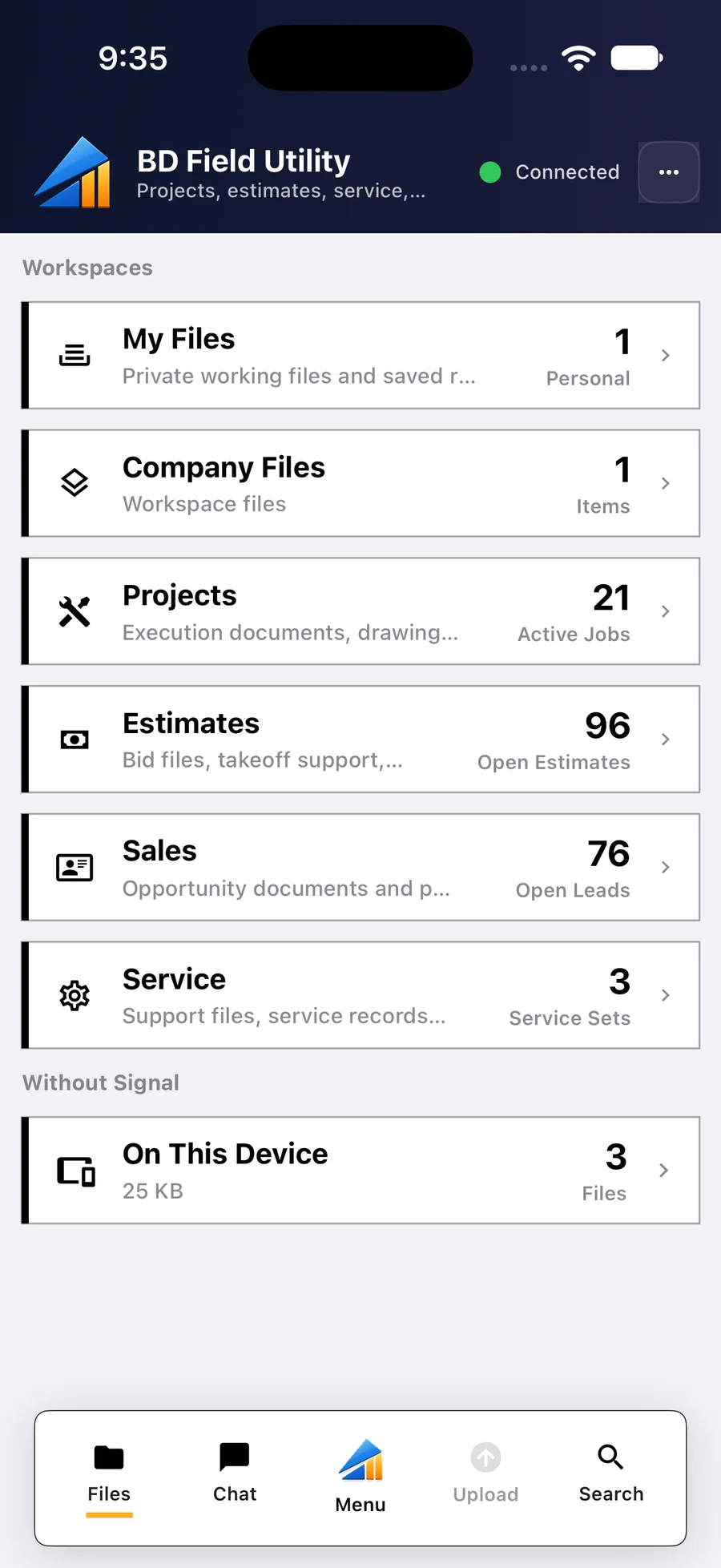
Clock In the Crew
Your jobs and today's forms are on the first screen. Clock the crew in one at a time or all at once, and see who is scheduled on your job.
- Your jobs and today's forms on one screen
- Clock the crew in one at a time or all at once
- Who's scheduled on your job today
- iPhone, iPad and Android
-
Open the Drawings Without Signal
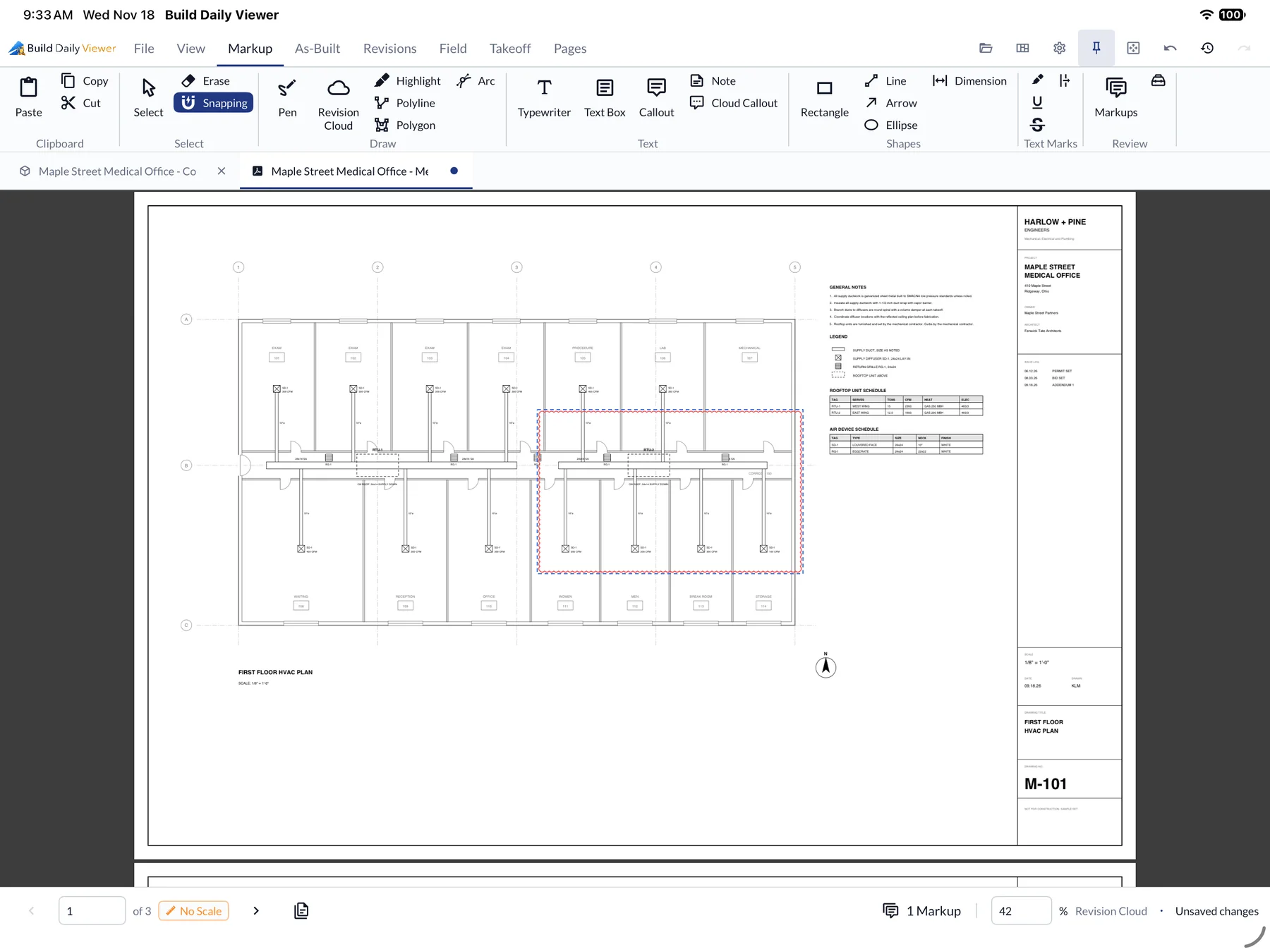
The current set is saved on the phone or tablet, so sheets open in the basement. Answered RFIs show on the sheet, and superseded sheets are marked.
- The current set saved on the device
- Markup and measuring on the sheet
- Superseded sheets marked
- RFI answers shown on the drawing
-
Log a Short Delivery
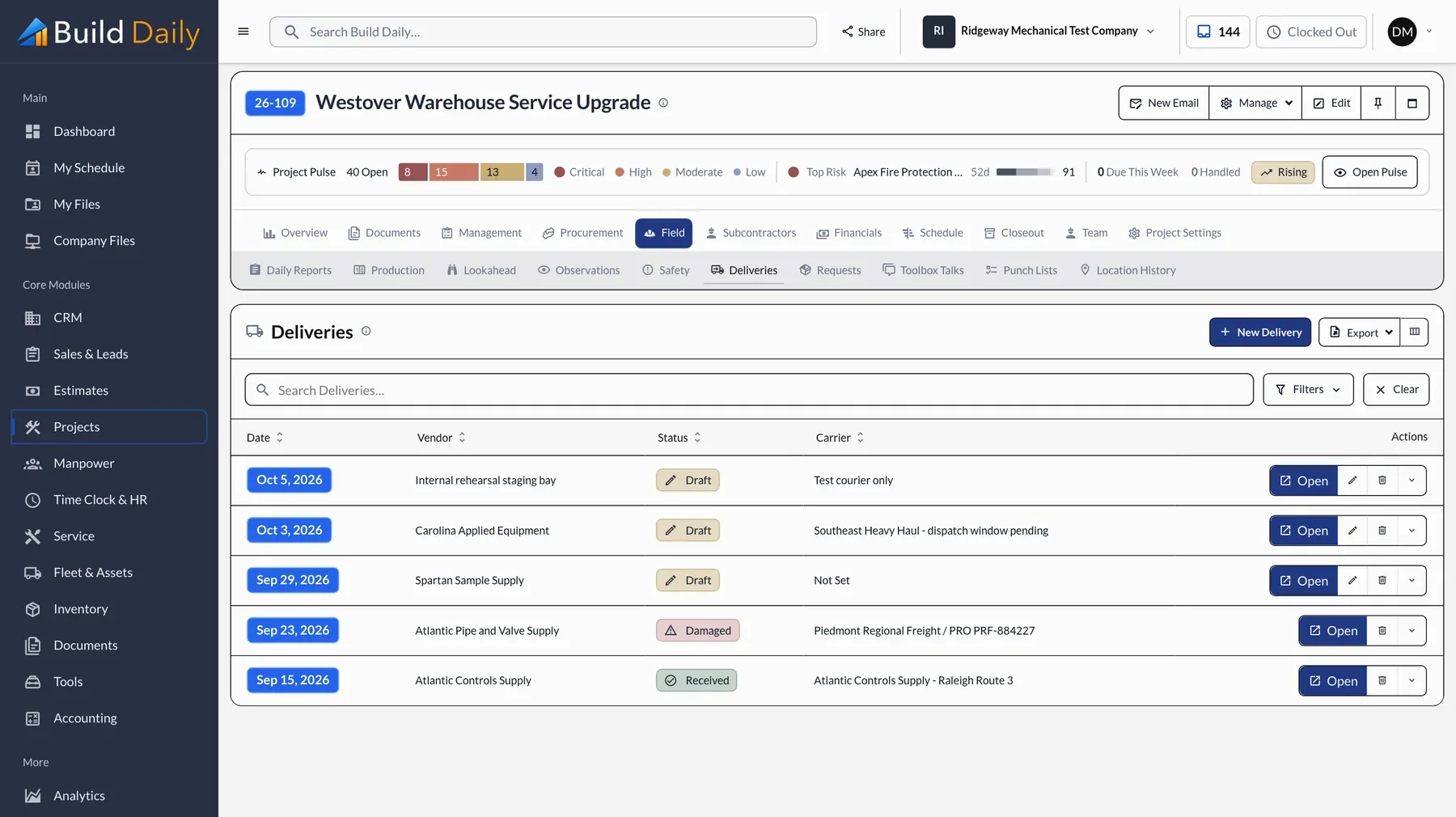
Record what arrived, what's missing or damaged, and take a photo. The office sees it right away, and you have a dated record for the supplier.
- Delivery log with carrier and status
- Short and damaged items flagged with photos
- Material and equipment requests to the office
- Everything filed on the job
-
Get the Extra Signed on Site
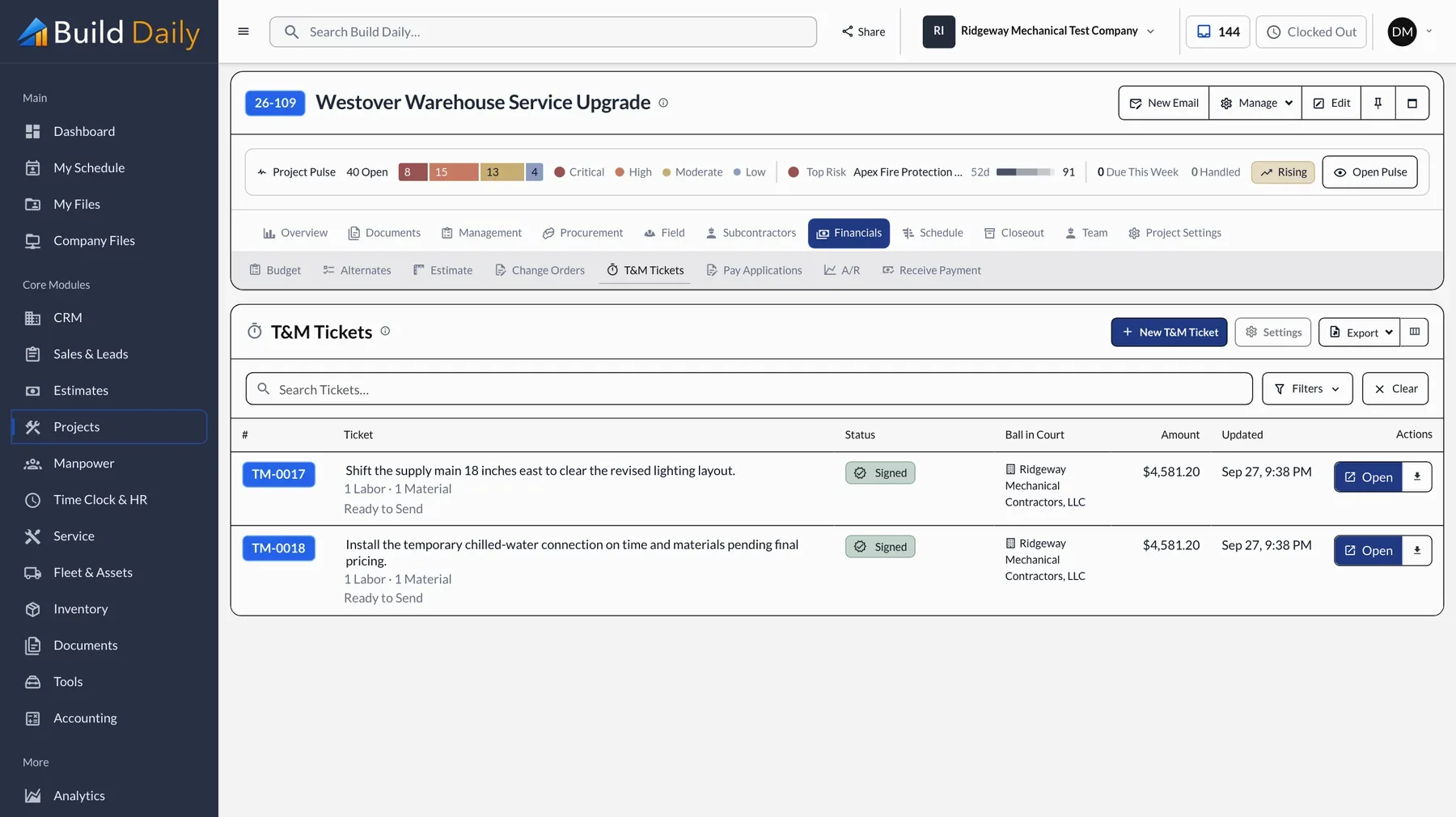
Write the T&M ticket with labor, hours and material, and have the GC's super sign it on your phone before the work starts. The signer sees the work, not the prices. The office prices it later.
- Labor, material and equipment on the ticket
- Signature on your phone
- No prices shown to the signer
- The office sees it as soon as you save
-
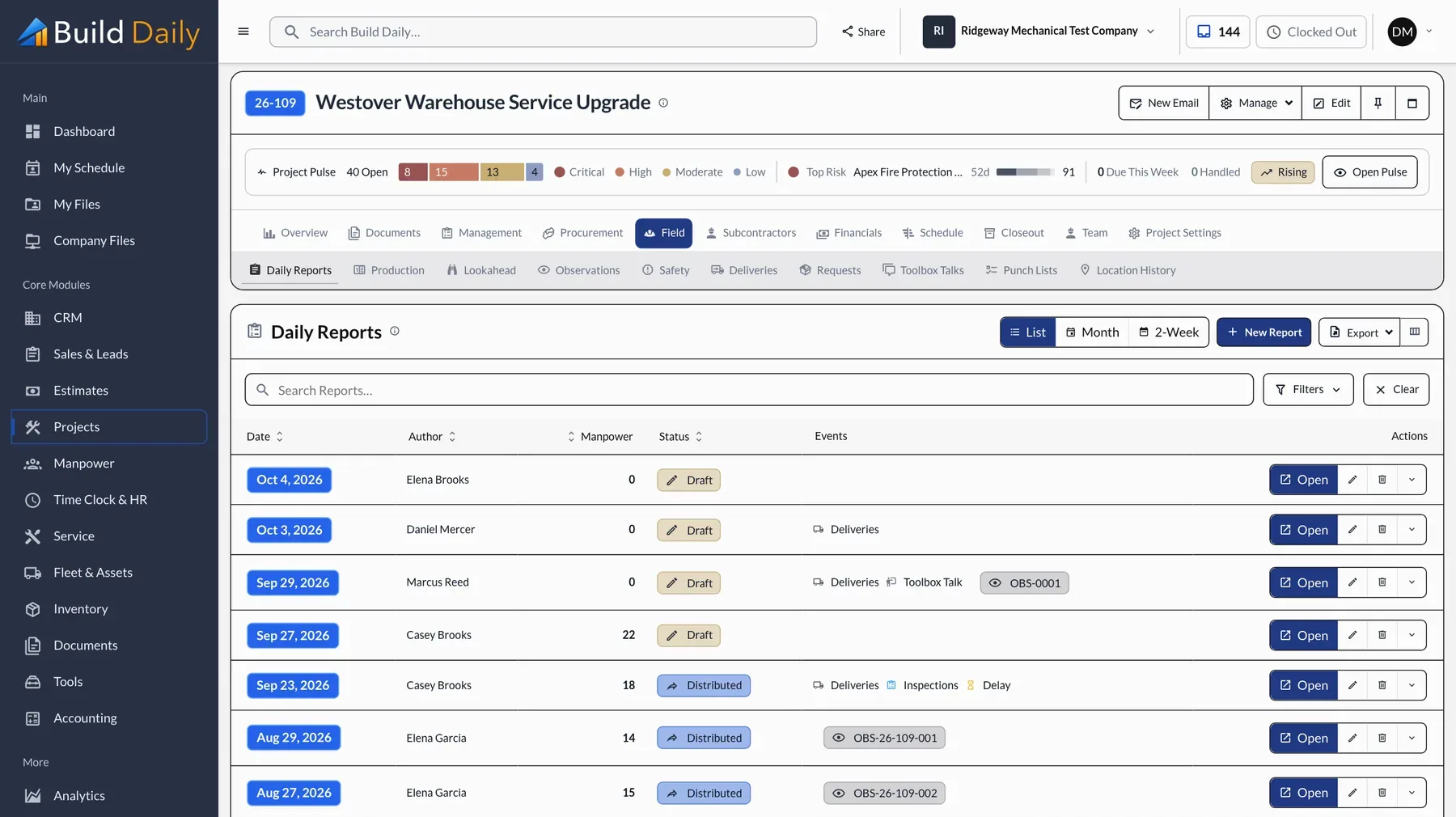
Turn In the Daily Report
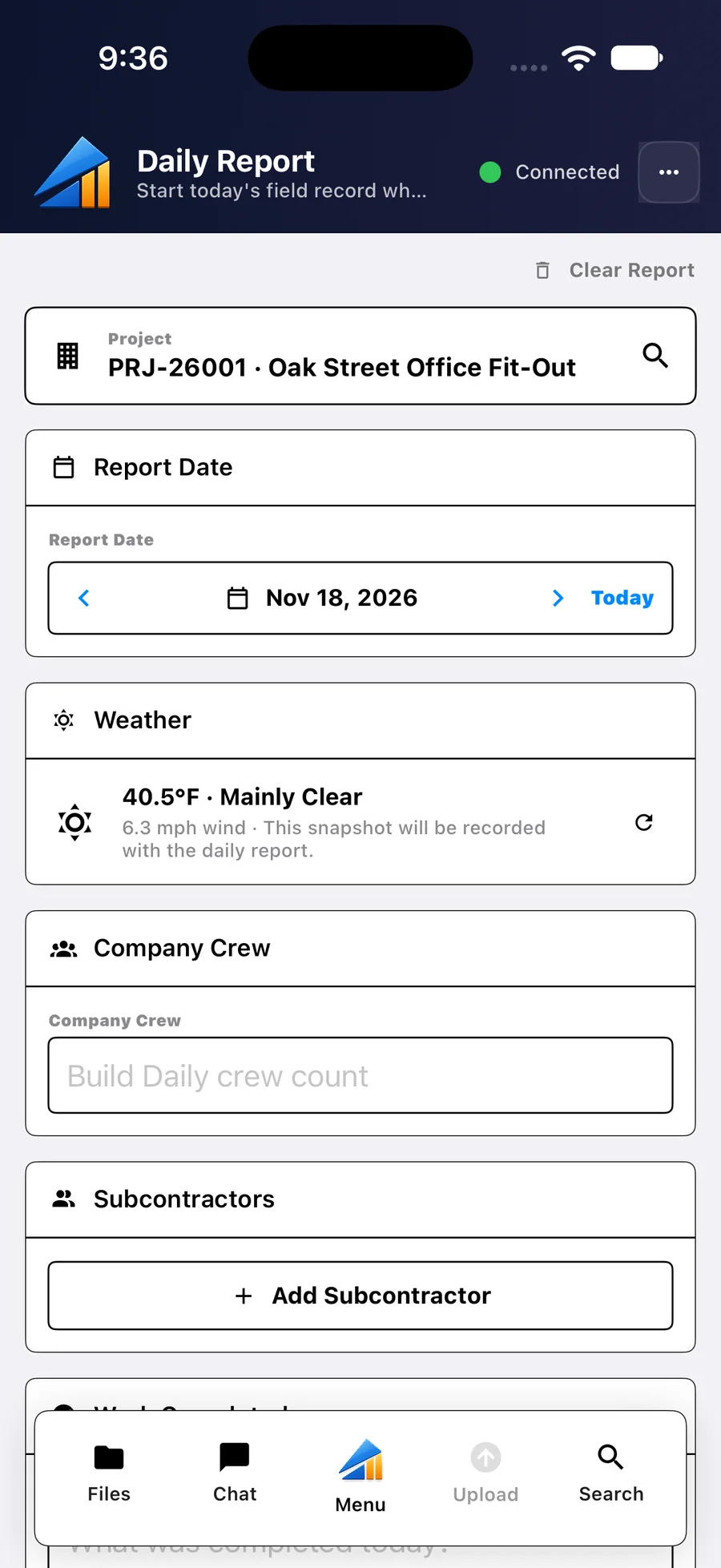
The date and weather are filled in. Add the crew, the work done and photos. It takes a few minutes and sends when there's signal.
- Date and weather filled in
- Crew, hours and work done
- Photos from the phone
- Saved without signal and sent later
-
Report an Incident
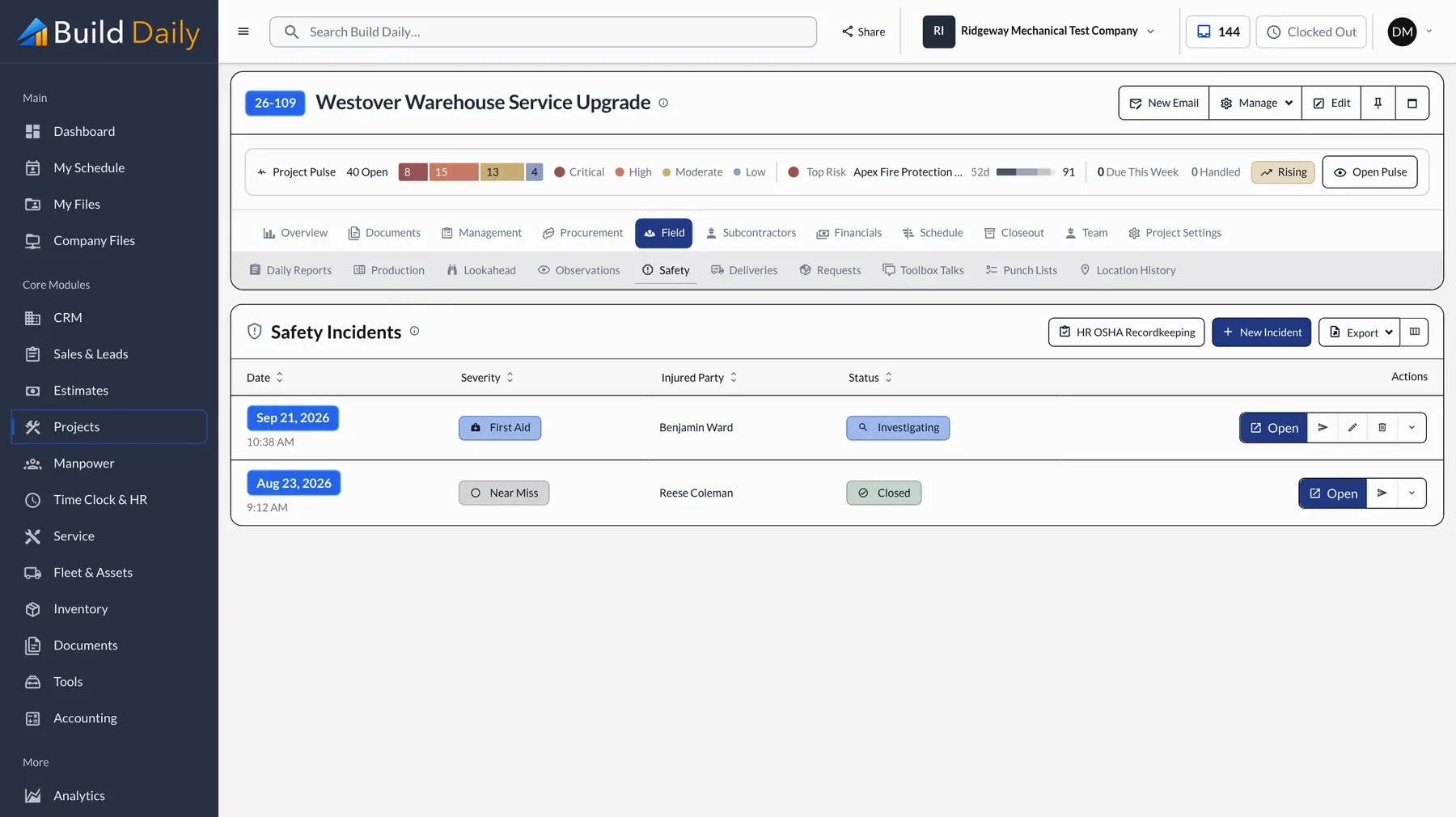
Write it up with photos while the details are fresh. The office gets it immediately, with what it needs for OSHA recordkeeping. Toolbox talks work the same way, with the crew signing on the phone.
- Incident reports with severity and photos
- Safety observations
- Toolbox talks with crew signatures
- OSHA recordkeeping in the office
What you can drop
- Paper daily reports
- Paper T&M tickets
- Trips back to the trailer for drawings
- Texting photos to the office
See it on your own work.
Daily reports, T&M tickets, drawings and safety are in every plan. The time clock comes with Pro, $199 a month.