

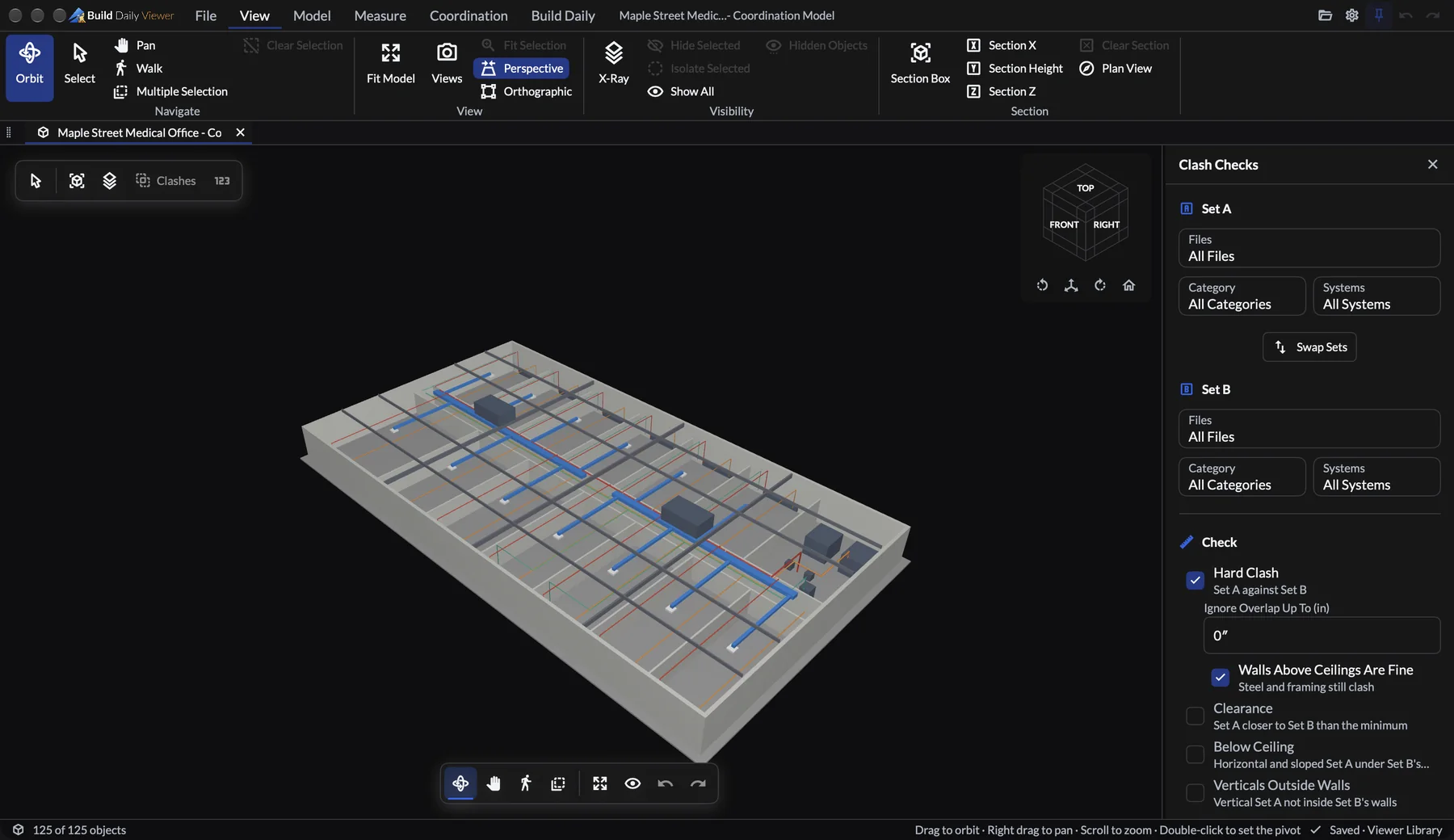
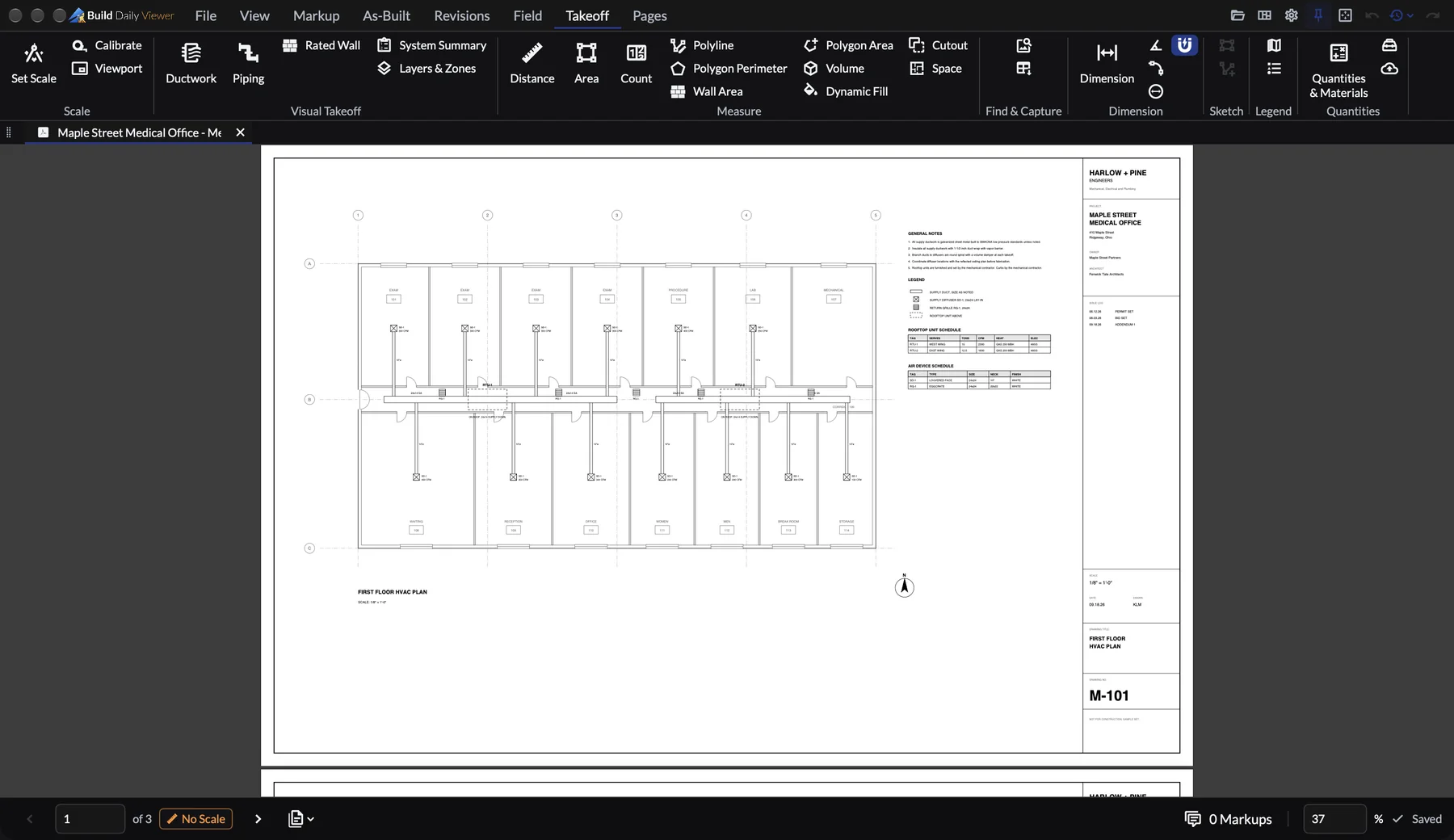
Build Daily Viewer is free. It opens Navisworks and IFC models and PDF drawings on a Mac, PC, iPad or phone, and runs clash checks between trades.
Model viewing
Open Navisworks and IFC models without buying a seat or creating an account.
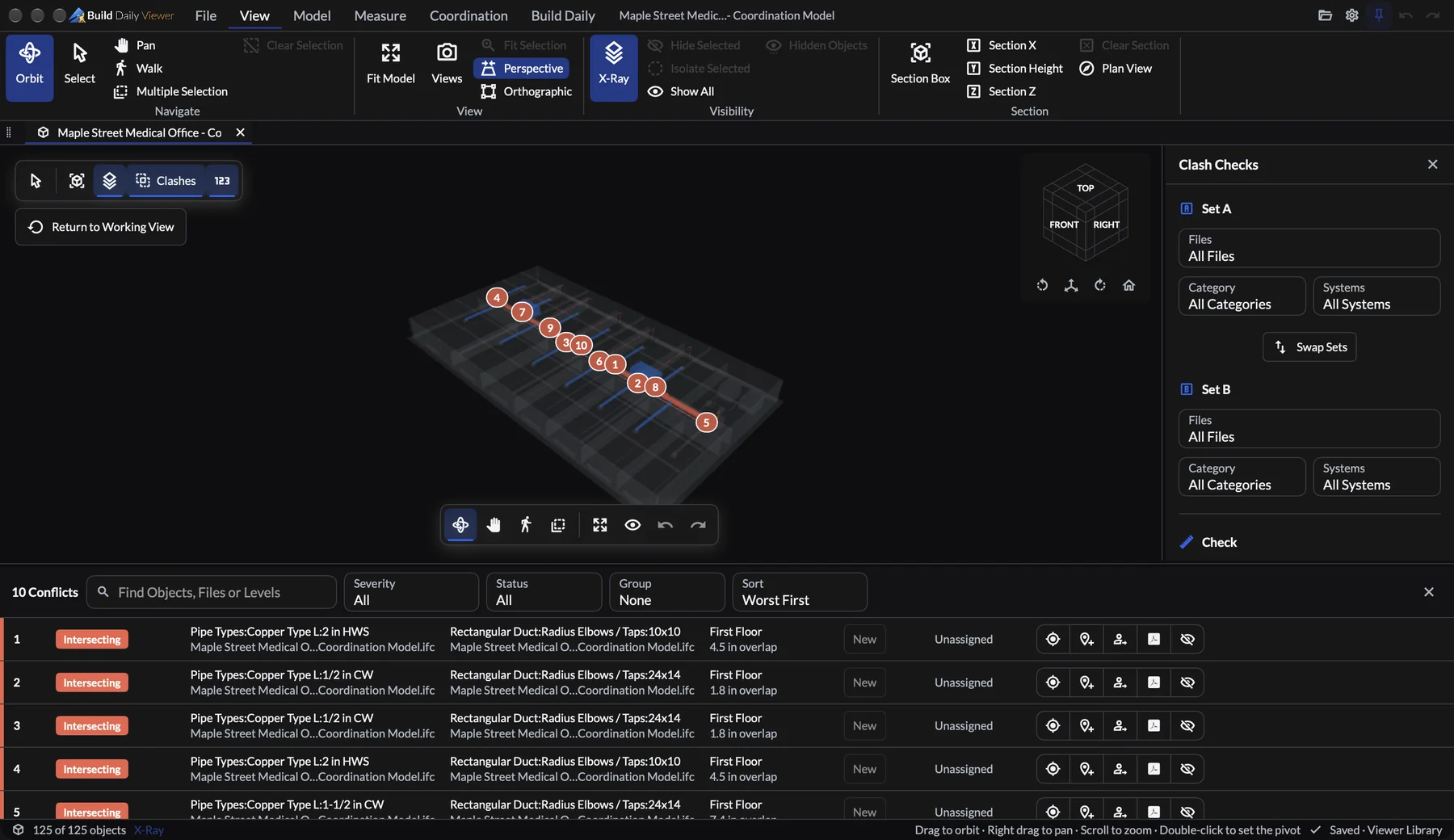
Clash detection
Run your duct against the plumbing. Each hit gets a number on the model and a line in the clash list with the overlap, so you bring a list to the coordination meeting.
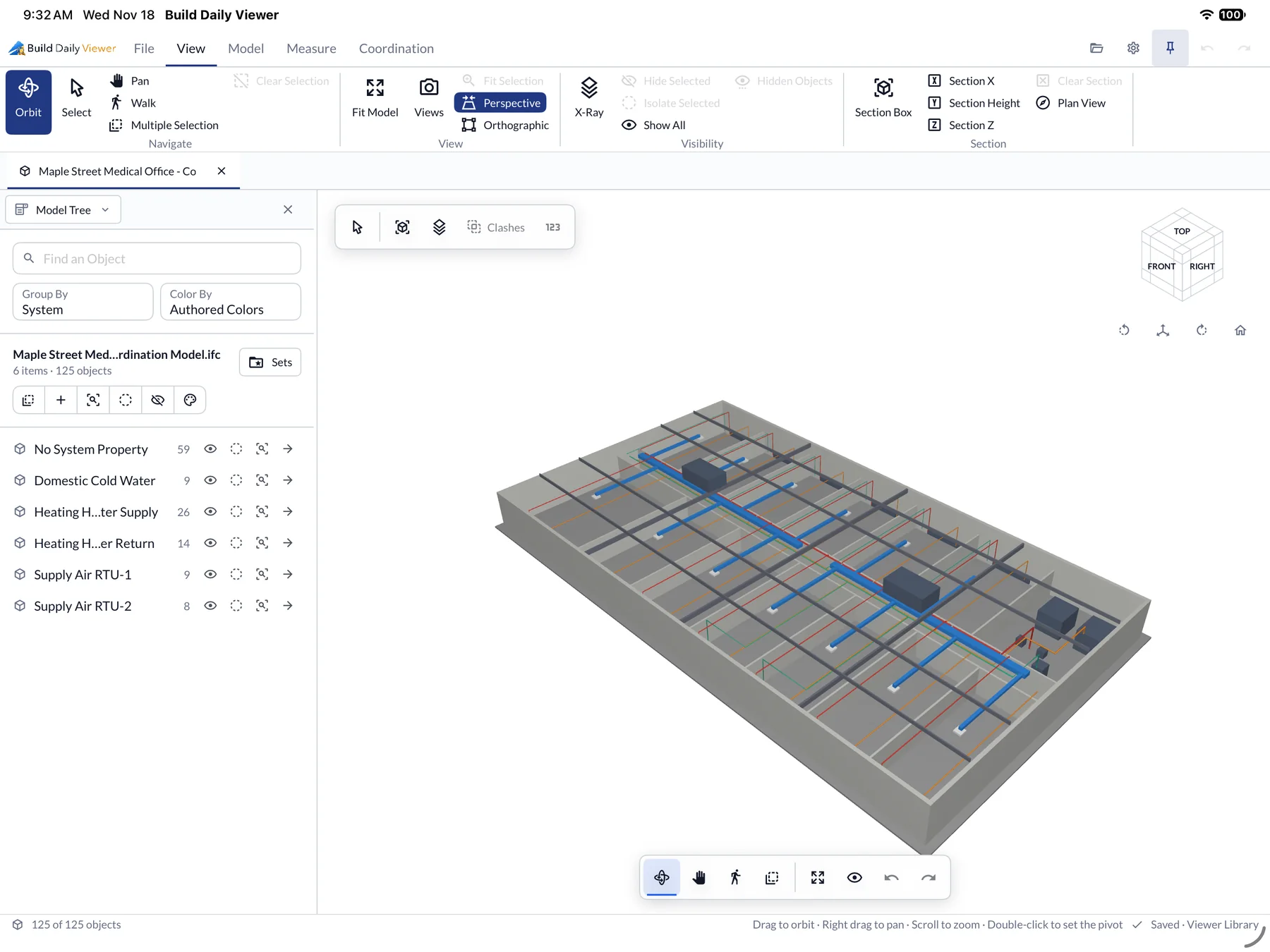
Models on the iPad
The foreman opens the same model in the field, grouped by system, and hides everything outside their own trade.
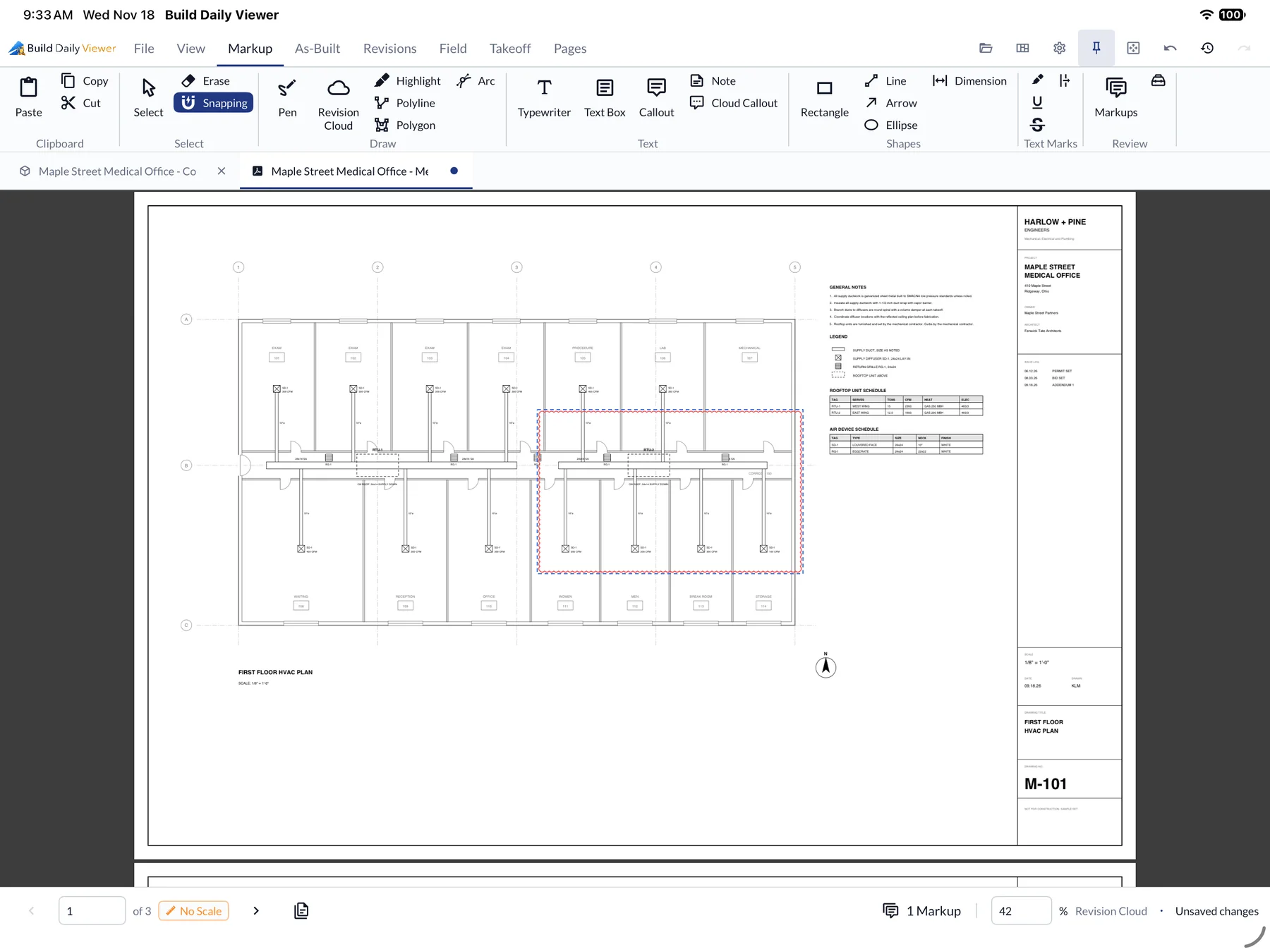
PDF markup
Clouds, callouts, dimensions and stamps on the drawings.
Measuring
Set the scale to measure, count, or trace duct and pipe.
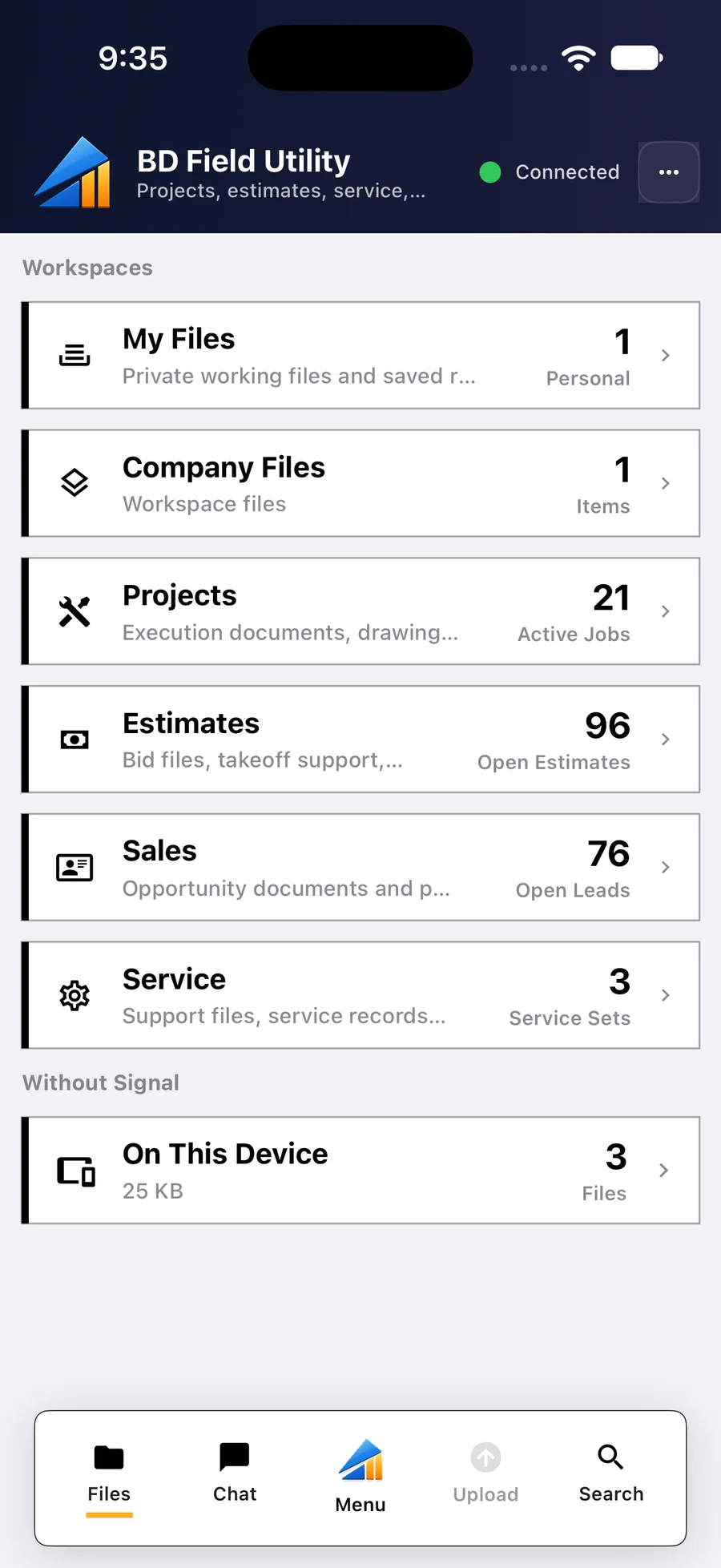
BD Field Utility
The field phone app. It stores the job's files on the phone and holds the forms crews fill out.
Also in Viewer and Apps
- Swap in a new revision and keep your markups
- As-built drawings
- Fill in and sign PDF forms
- Clash reports as a PDF
- Section cuts and walking through the model