

How to Track Time and Material Tickets
An unsigned ticket is hard to collect on.
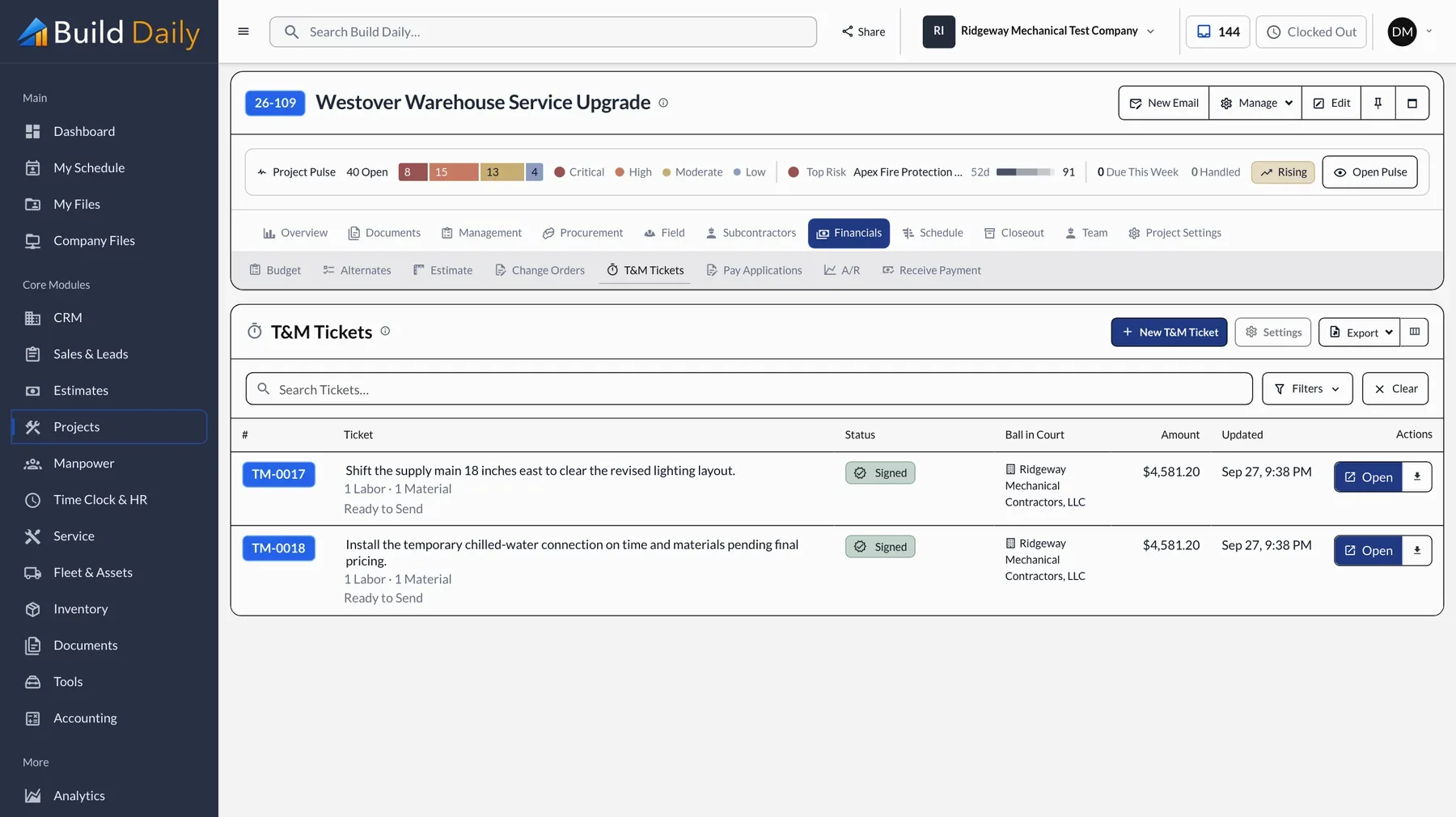
T&M work gets lost between the field and the office. The ticket sits in the truck for a week, and by the time it's billed nobody on the other side remembers approving the work.
How a T&M ticket gets paid
- Your Foreman Writes the ticket on the phone
- Their Super Signs for hours and material, no prices shown
- Your Office Prices it the same day
- The Owner Signs the change order from a link
- Next Pay App Billed without retyping
-
Write the Ticket the Same Day
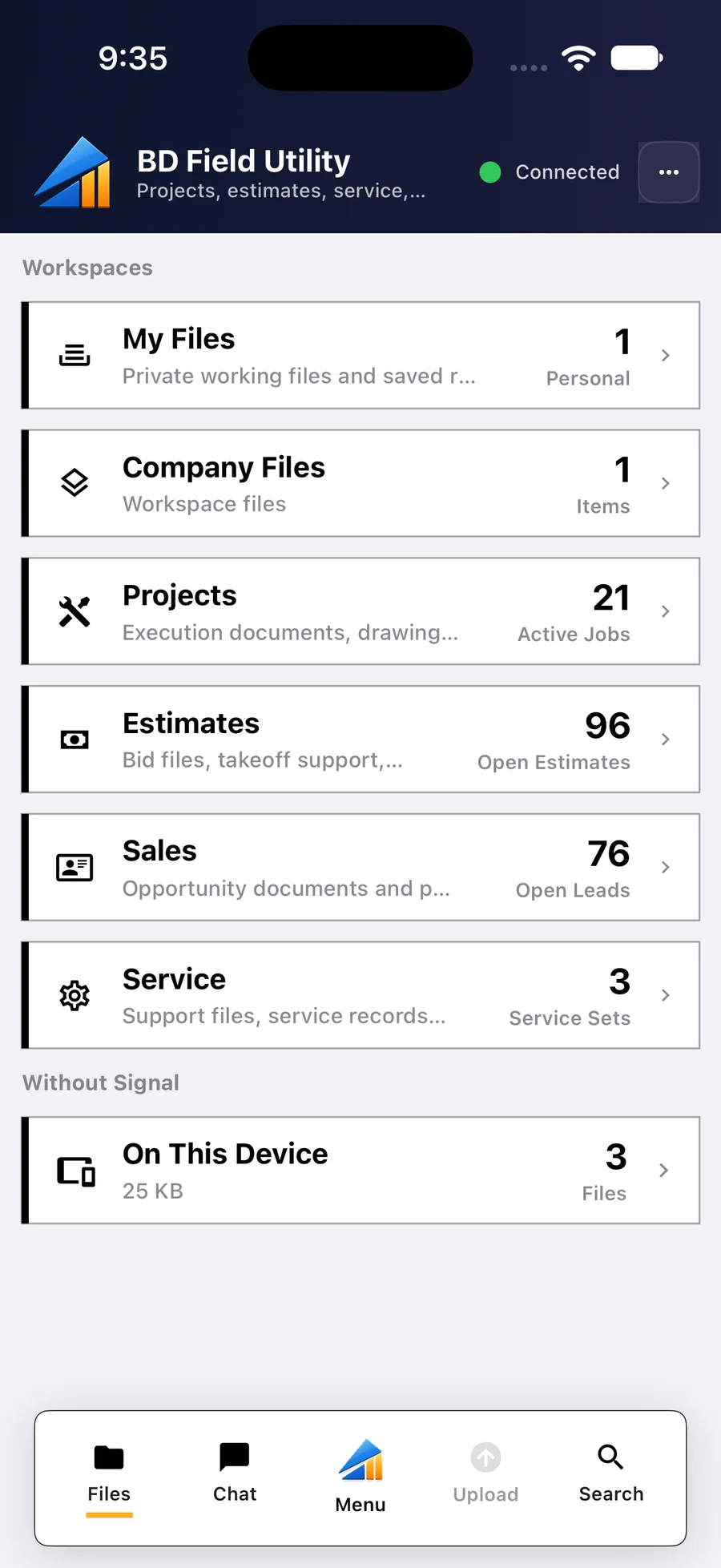
Record the work, who was there, the hours and the material before leaving the site. The foreman does it on a phone, and without signal the ticket is saved and sent later.
-
Get It Signed on Site
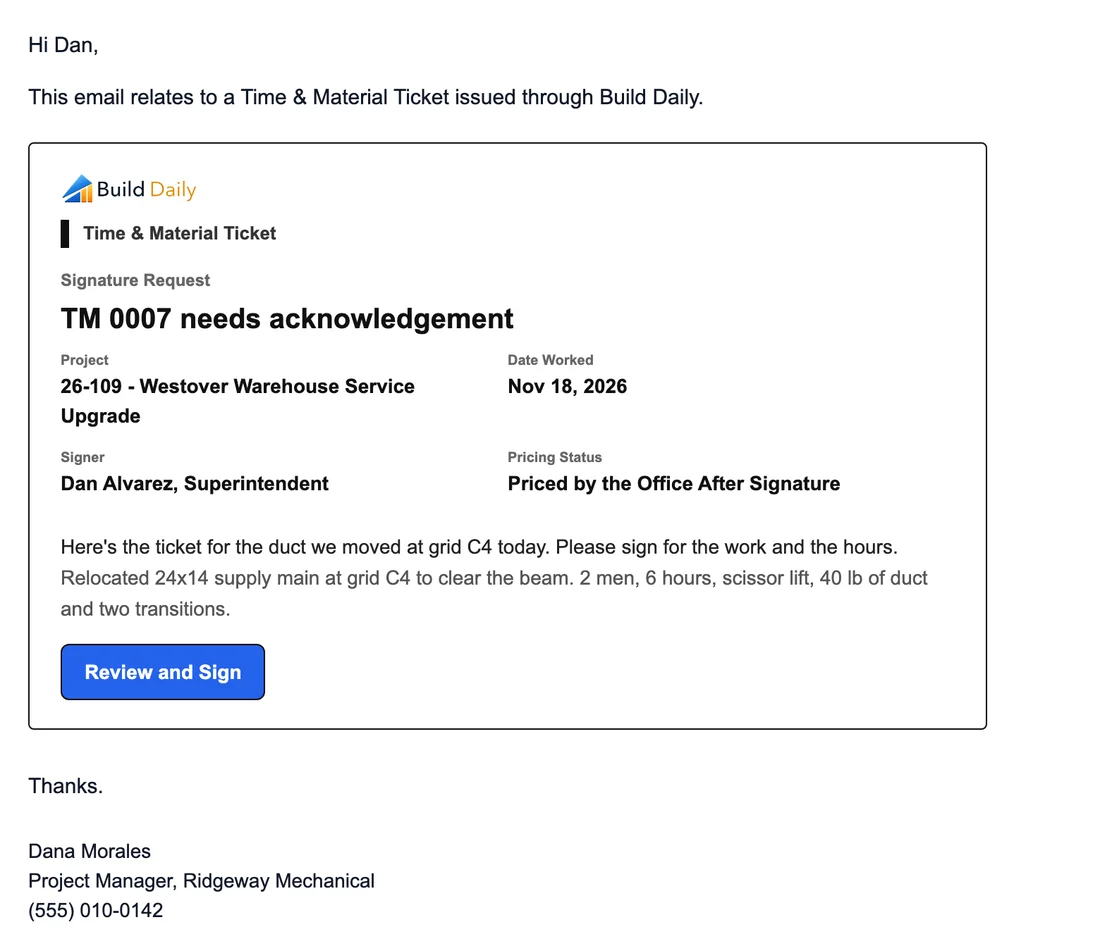
A signature from the GC's super that day is worth more than any email a month later. They sign on the foreman's phone, or from a request like this one, for the work and the hours, without seeing prices.
What their super gets
Where the button takes them
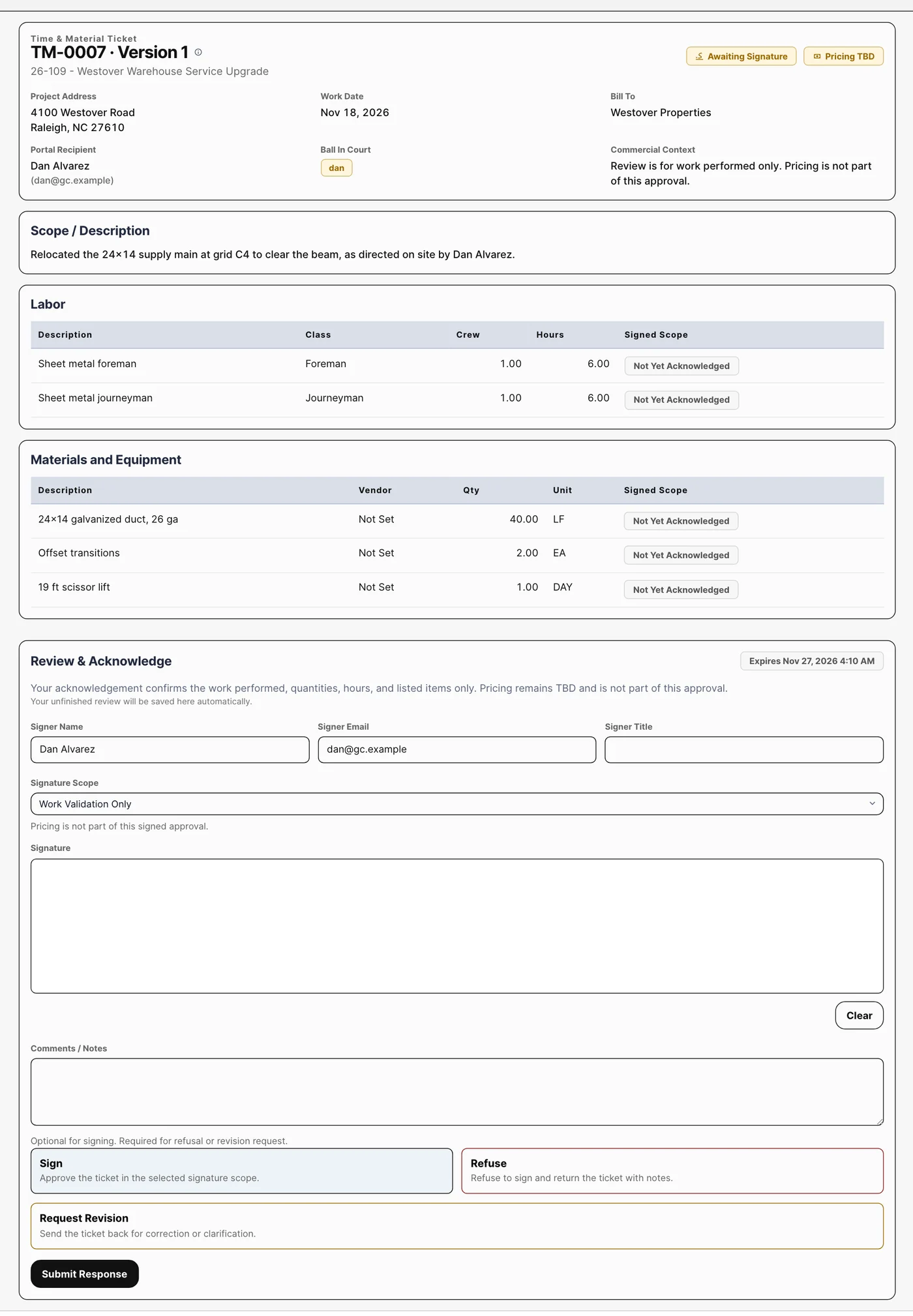
The superintendent's signing page shows hours and material. Prices stay off it.
-
Price It at the Office
Rates and markup belong in the office, based on the contract. If the ticket changes after it's signed, the signature clears and it has to be signed again.
-
Bill It Right Away
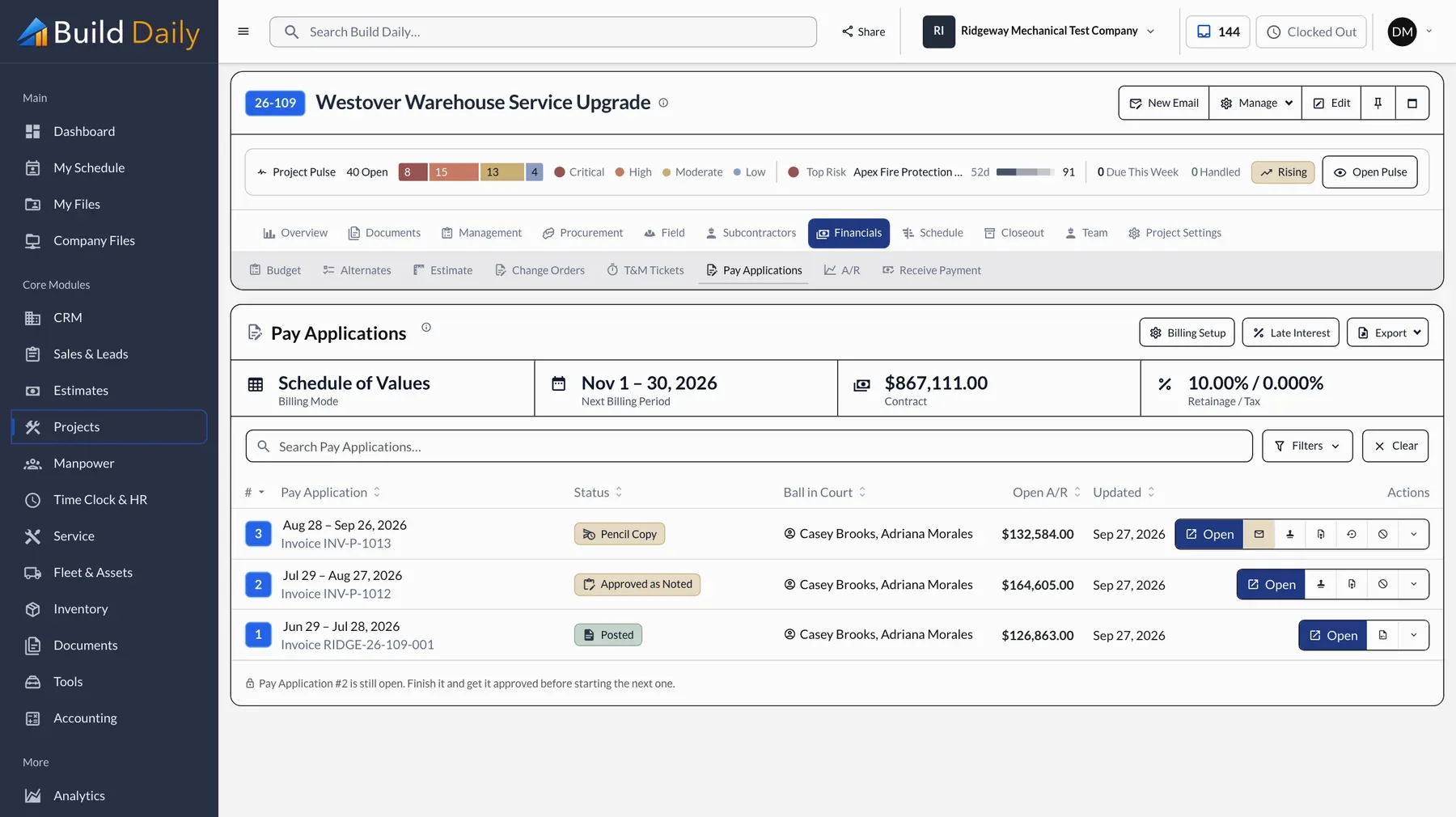
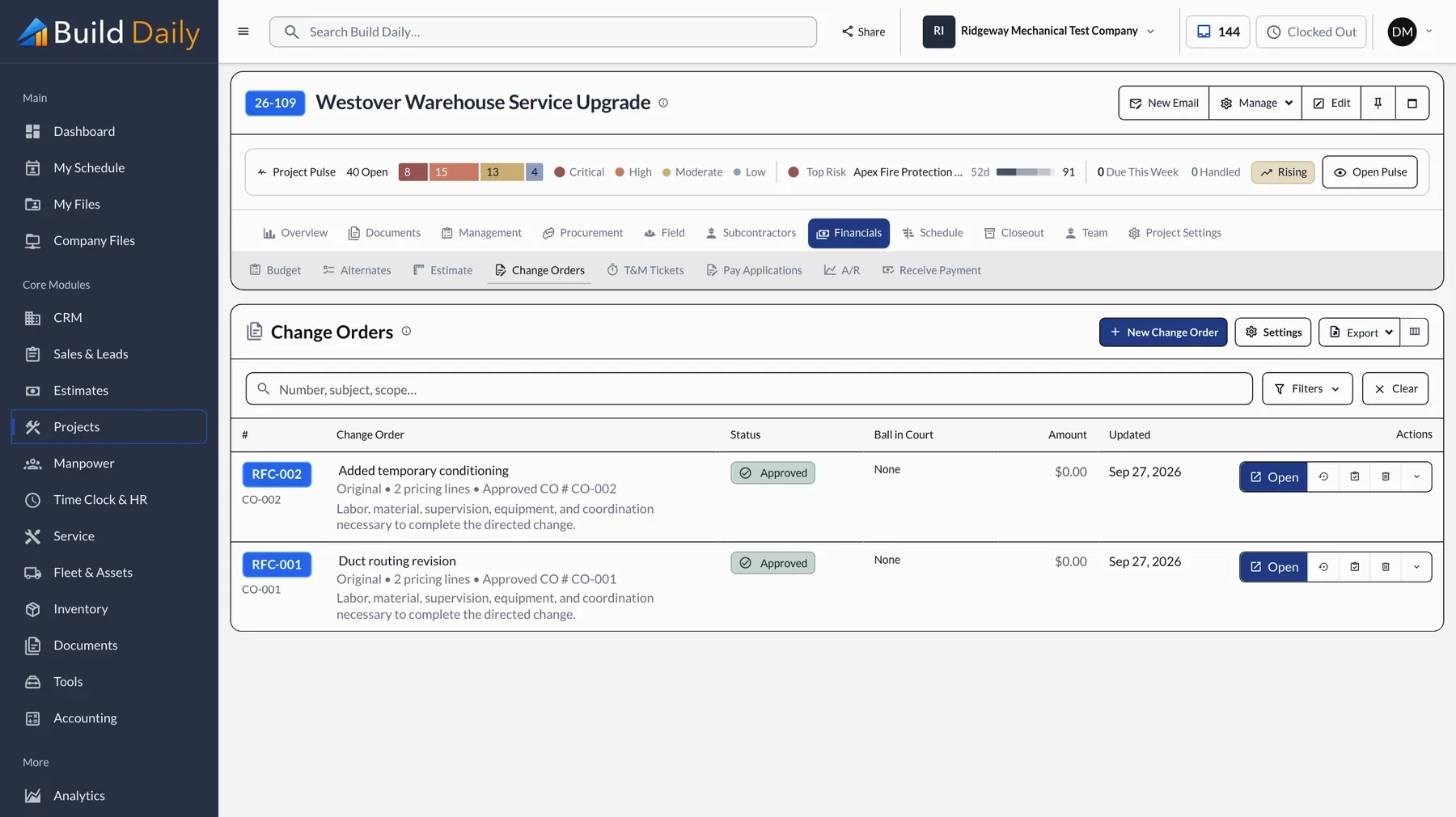
A ticket that sits for a month is harder to collect. In Build Daily a signed ticket becomes a change order and bills on the next pay app.
-
Check for Unbilled Tickets
Once a month, look for tickets that are signed but not billed. There are usually a few. Build Daily keeps that list, and Friday flags tickets that have been sitting.
See it on your own work.
Plans run from $99 to $249 a month for the whole company.